
Move or Reorganize Your Files to Anywhere
You can move and reorganize your files anywhere within Trustworthy. We each have our own favored ways of keeping files sorted. We want to ensure your system prevails so that your information is easy to find and manage, whether you find it by browsing or using Trustworthy Chat or Search.
You can move files from their current location or even link them to multiple places at once.
The Move feature is available on the Trustworthy mobile app, too.
Move a File to a New Location
This process moves a file from its current location to a new one.
Navigate to the item containing the file you wish to move.
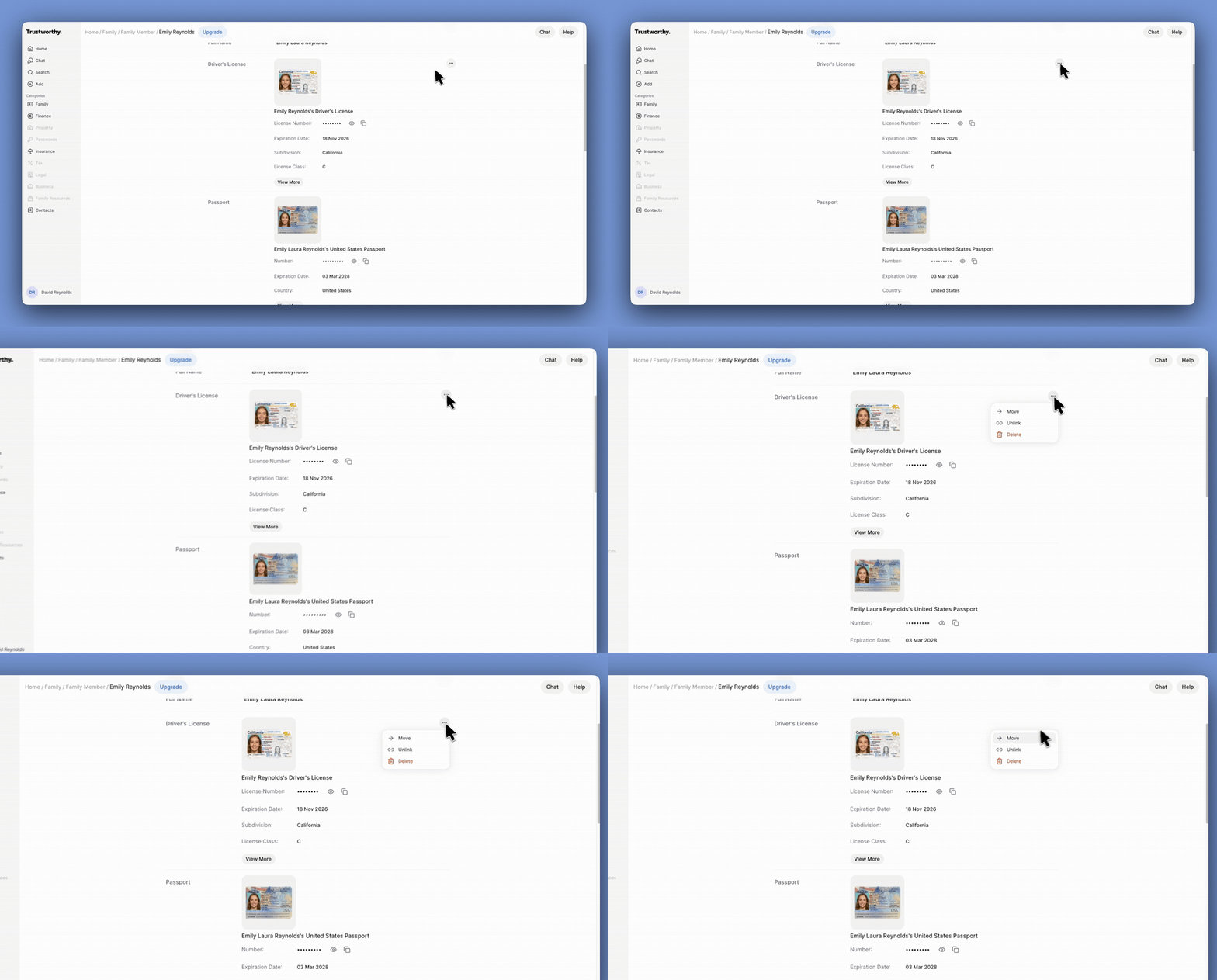
Click the ... (more options) icon next to the file's entry. Alternatively, you can open the file preview and click the ...icon at the top of the screen.
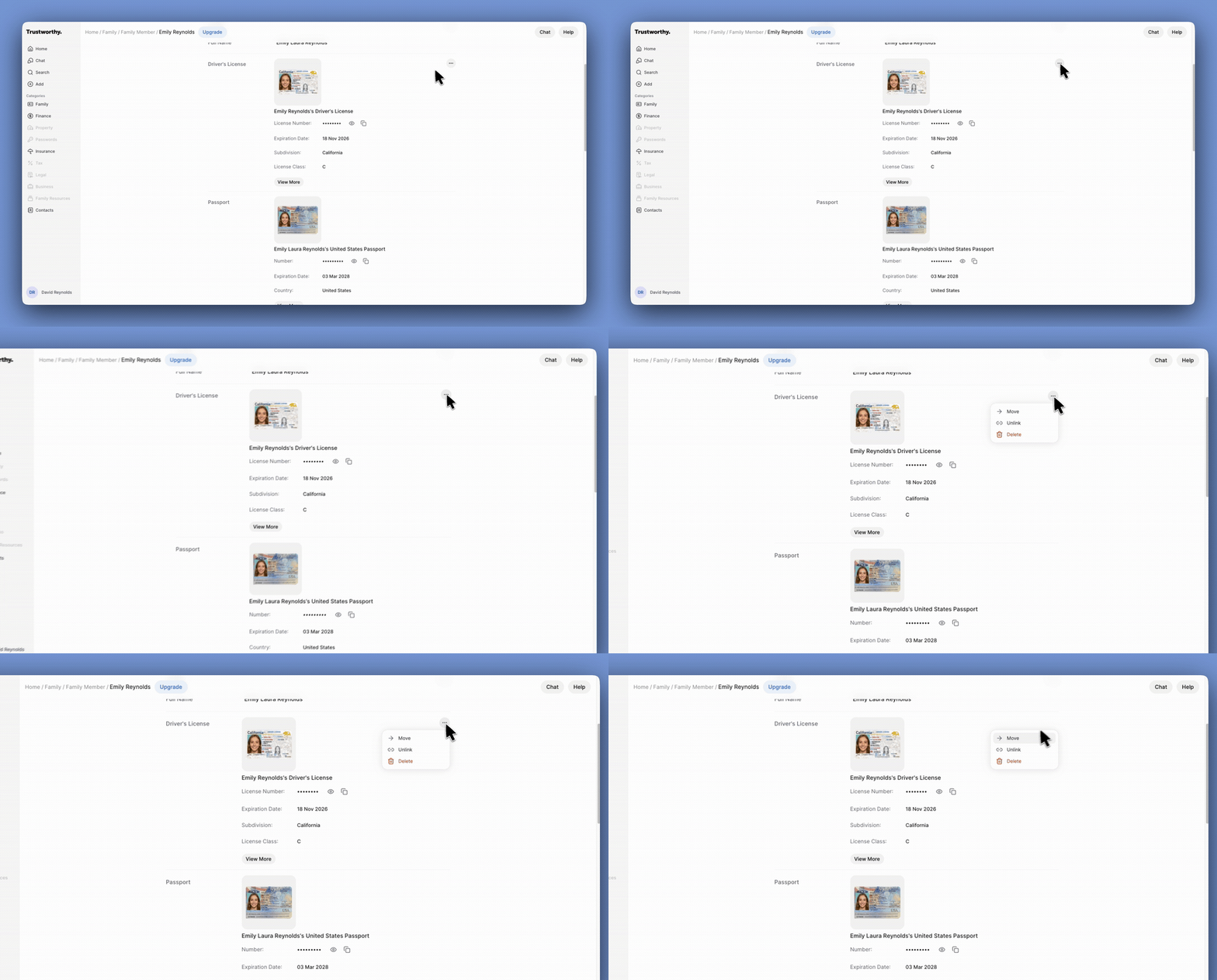
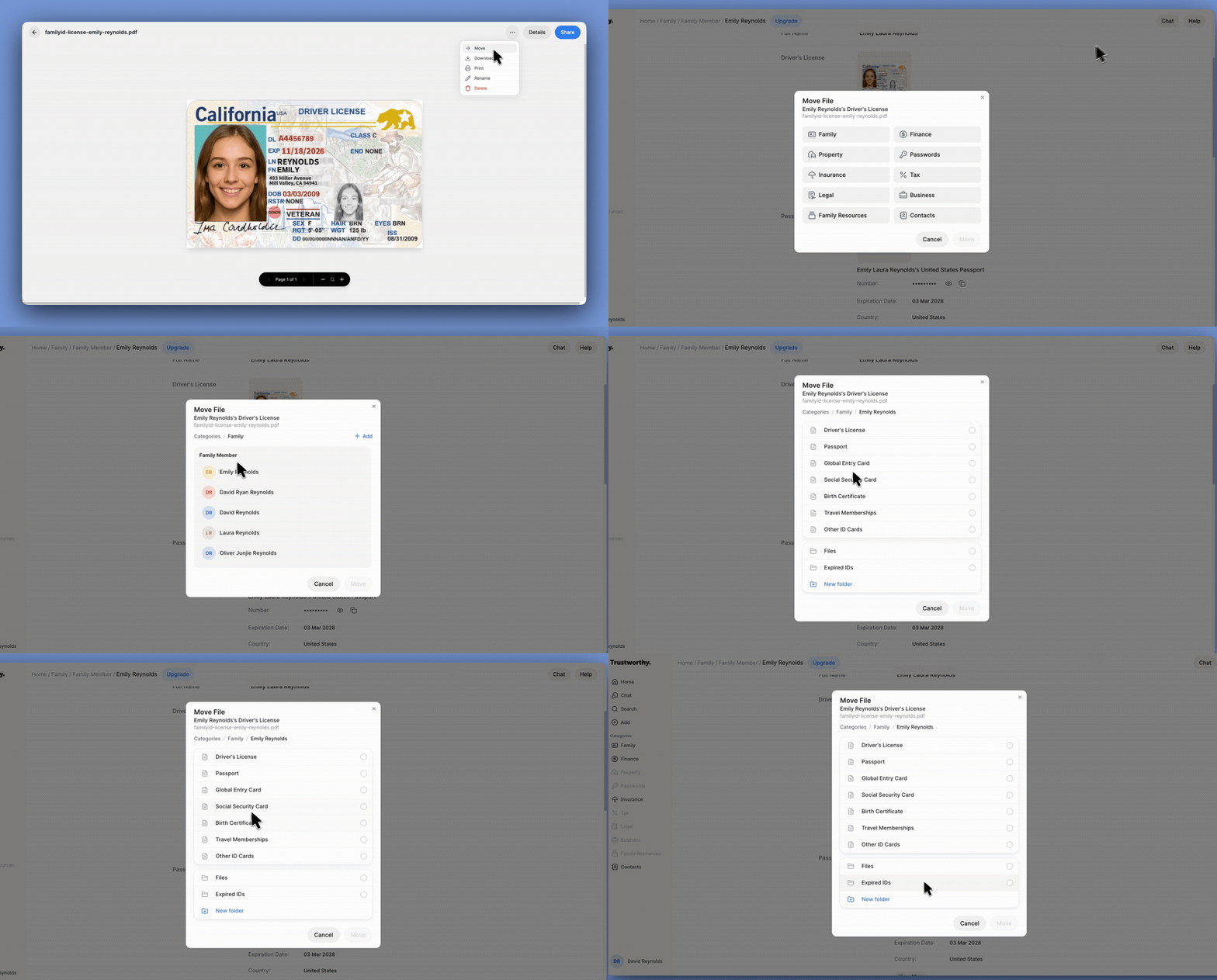
Select Move from the dropdown menu.
In the Move File window, navigate through the categories (e.g., Family, Insurance, Contacts) to find the new destination for your file.
Select the specific item or folder where you want to store the file. If needed, you can create a new item or folder directly from this window using the + Add or New folder buttons.
Click the Move button to complete the transfer. The file will be removed from its original location and placed in the new one.
Link a File to Multiple Locations
You can add an existing file that appears in any "Files" section to an additional location without removing it from its current location. This is useful for supporting documents that relate to multiple items, like a utility bill for both a property and a utility provider contact.
Navigate to the page where you want to add a link to an existing file.
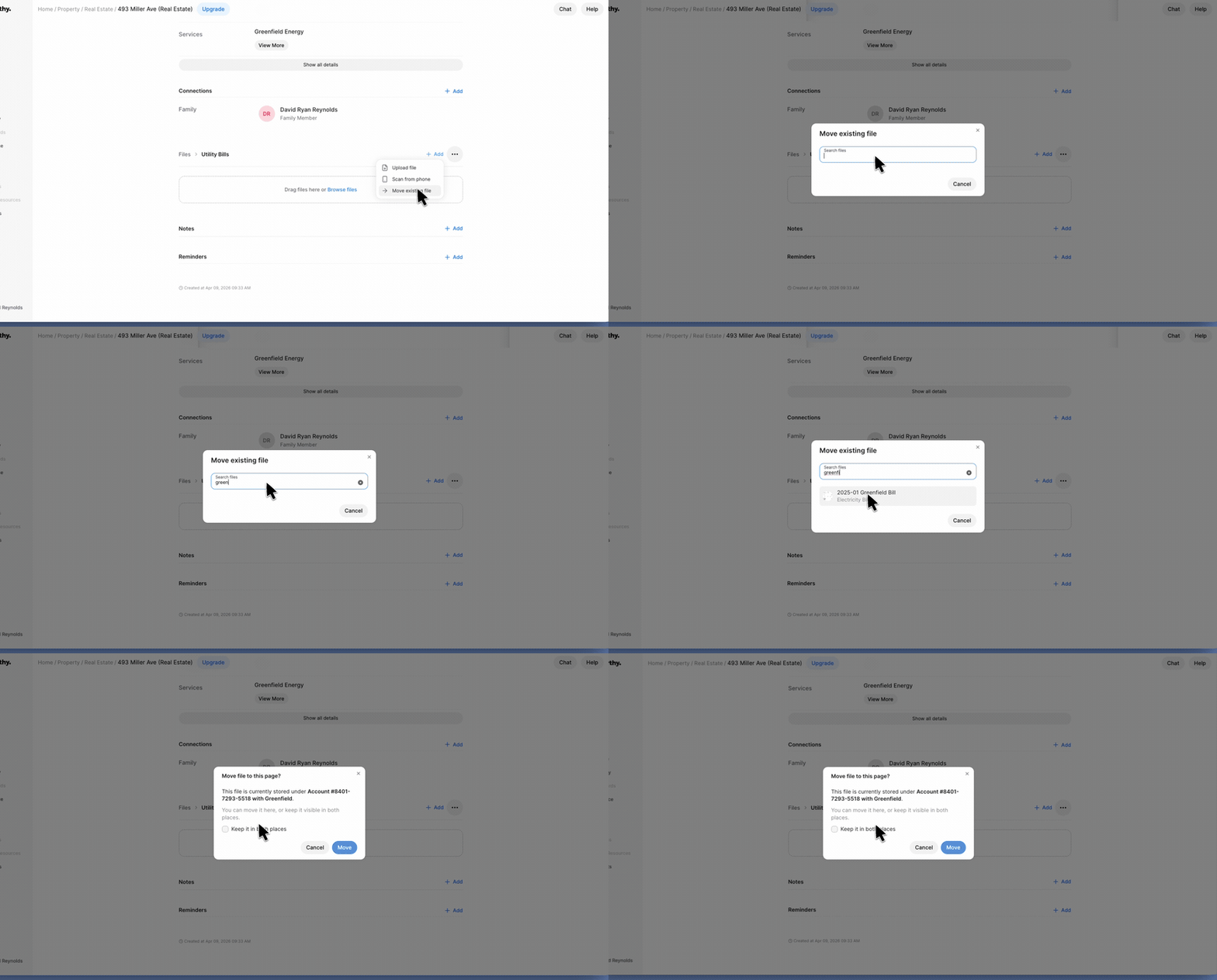
Find the Files section, click + Add, and select Move existing file.
In the search box, type the name of the file you want to link and select it from the results.
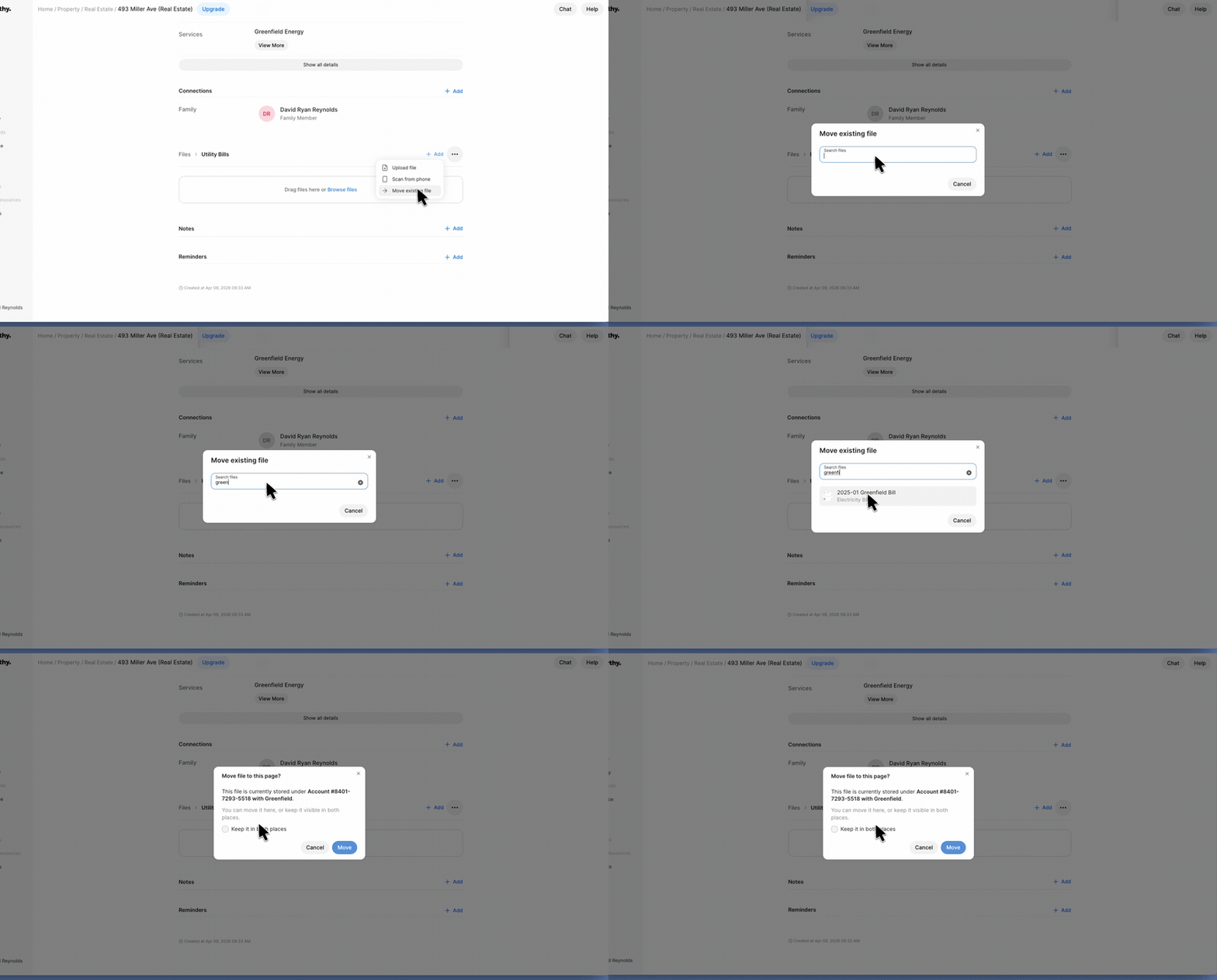
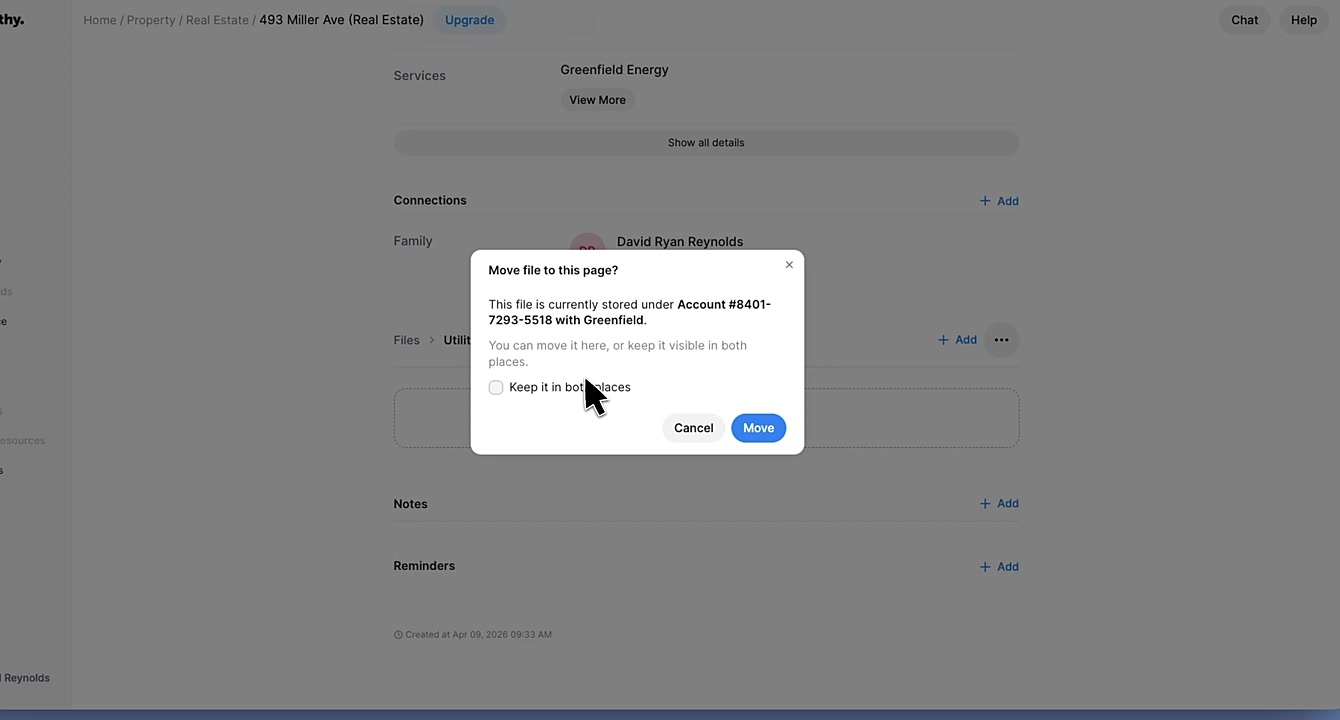
A confirmation window will appear, showing where the file is currently stored. Check the box next to Keep it in both places.
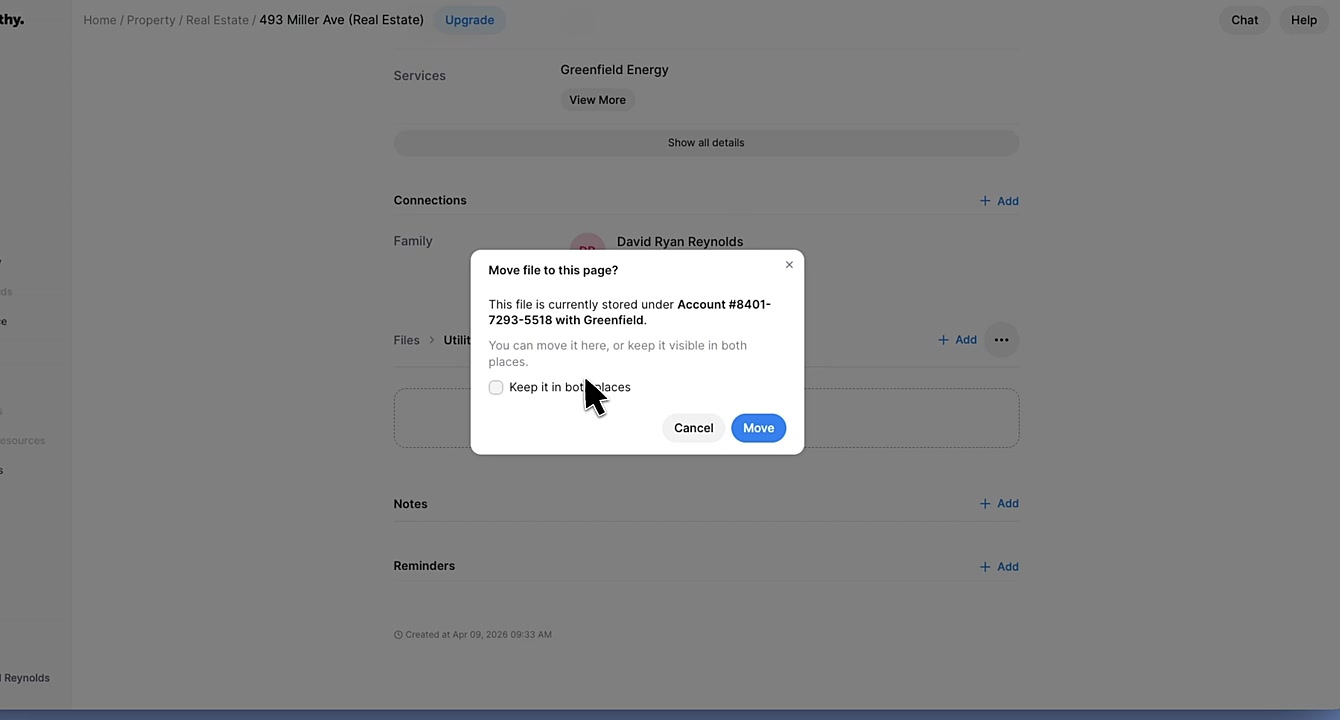
Click Move. The file will now be accessible from both the original and the new location.
Summary
This article explains how to move and reorganize files within your Trustworthy account. By following these instructions, you can easily relocate documents to different categories, items, or folders. You can also link a single file to multiple locations, ensuring your information is always organized and accessible exactly where you need it most.