
How to Grant Someone Access Today and as a Future Legacy Collaborator
This article shows you how to invite a collaborator and grant them partial access for current collaboration and legacy access for future needs. If you want someone to see only certain things now but gain access to everything later — after you die — this is how to set that up. This allows a trusted person to view specific information now, while also being designated to receive full access in the event of your passing. You will need your collaborator's name and email address to complete this process.
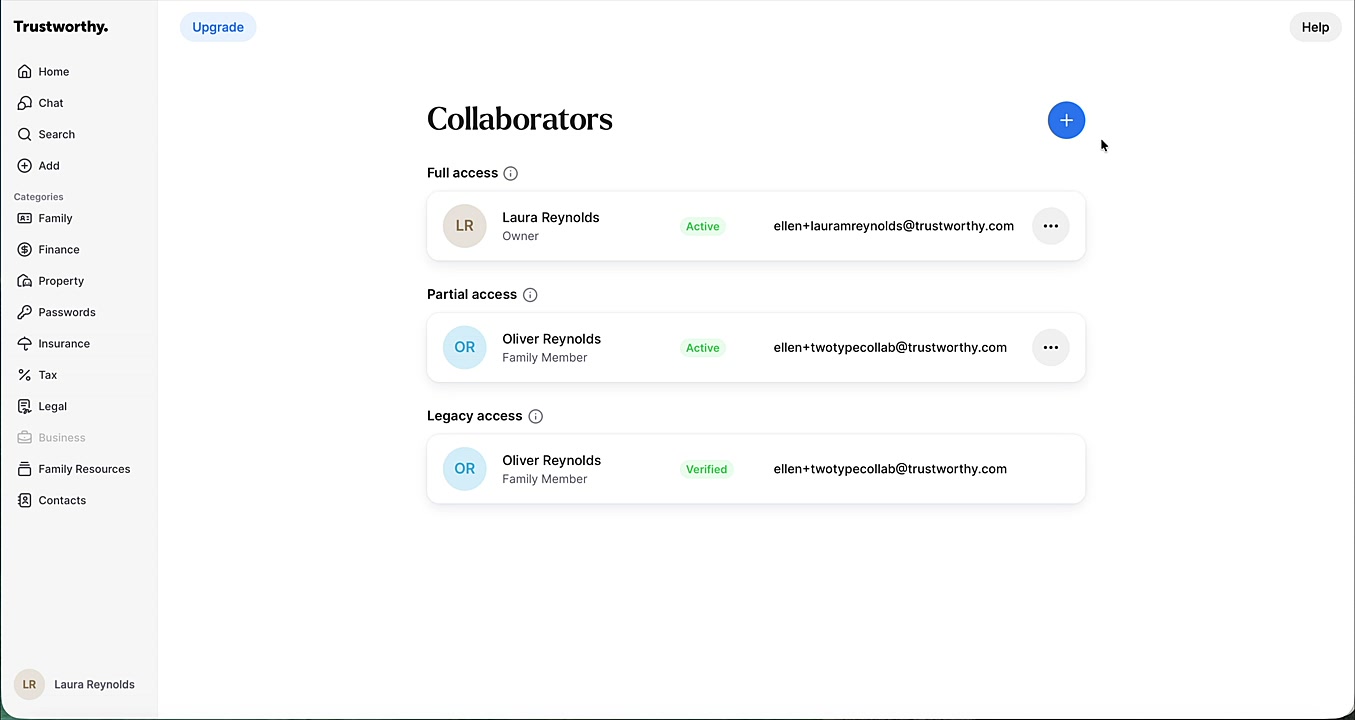
From the Collaborators page, click the + (Add) icon in the top right corner.
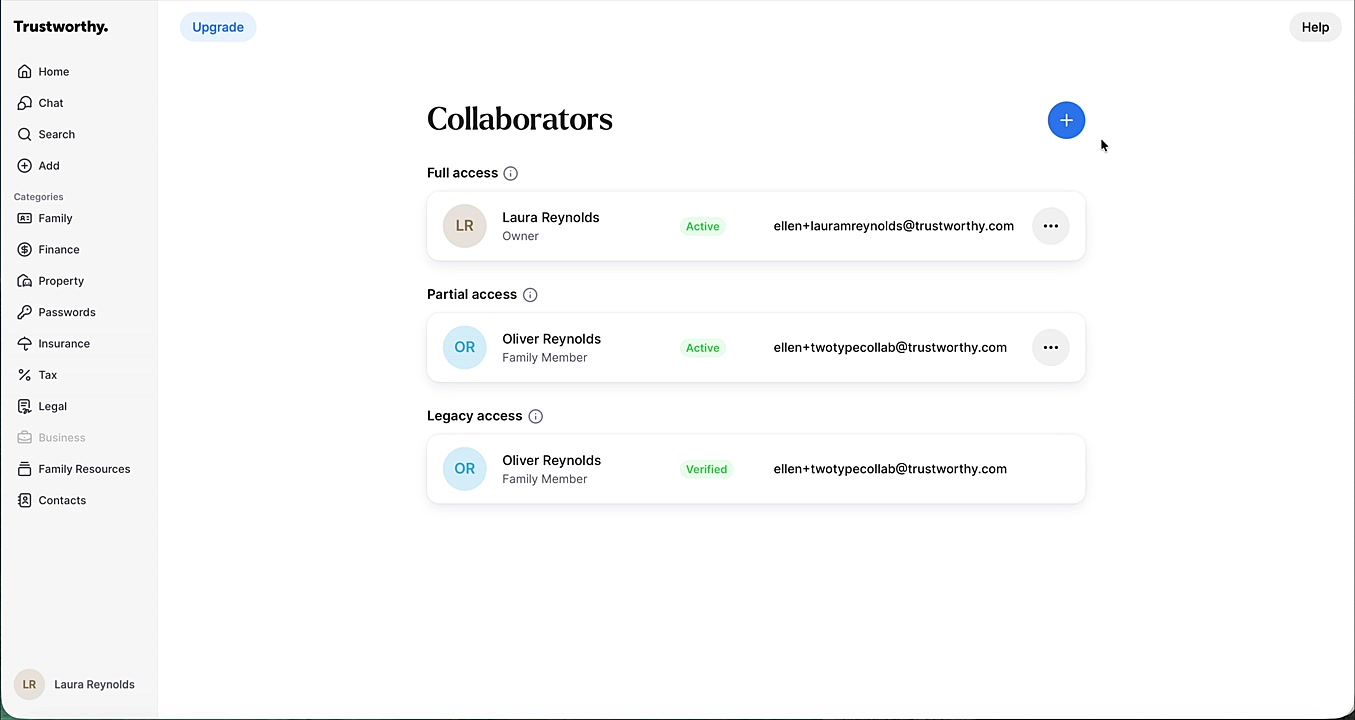
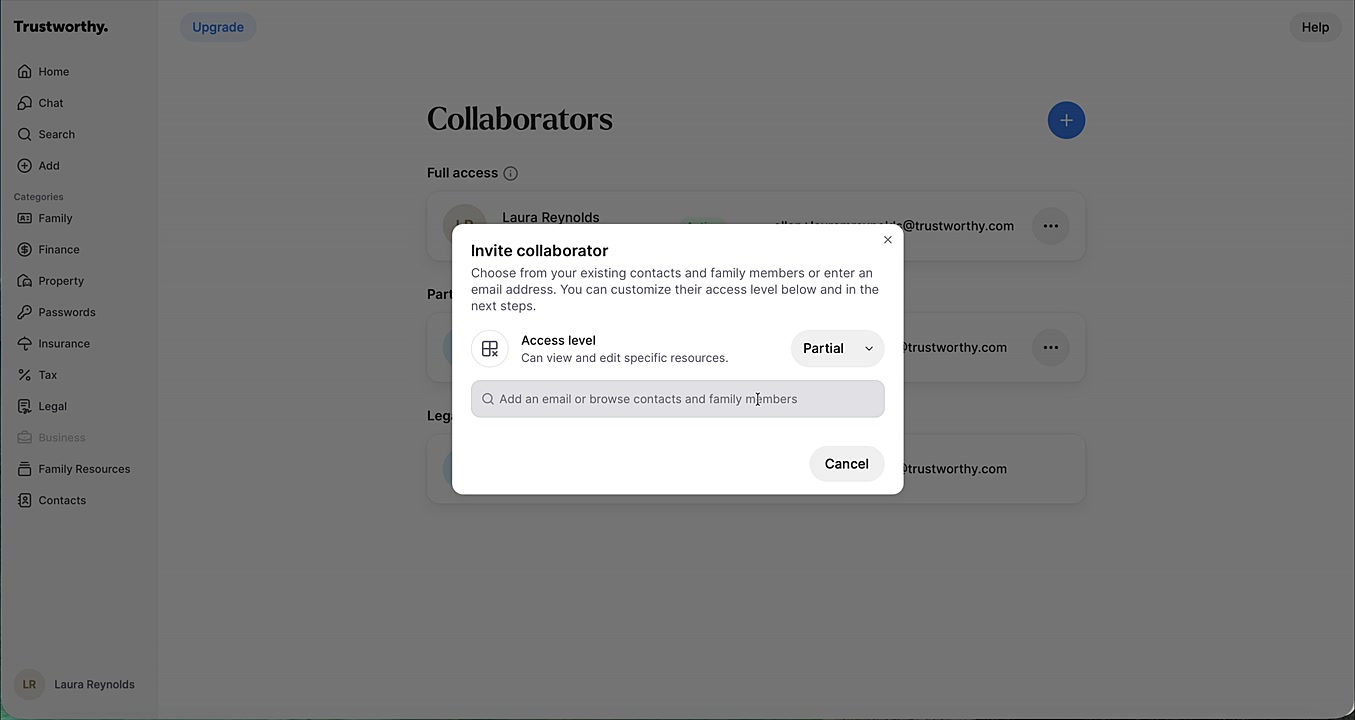
In the Invite collaborator window, select Partial from the Access level dropdown menu.
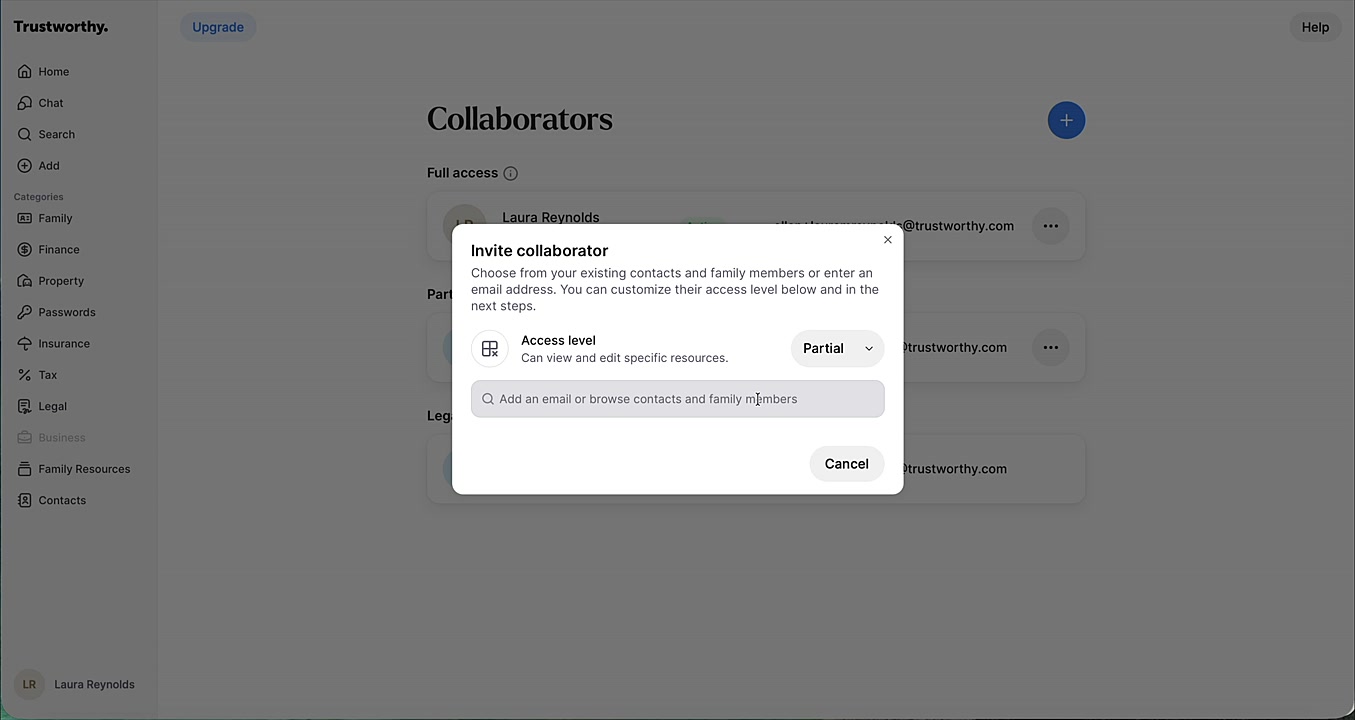
Search for an existing contact or enter a new email address for the person you wish to invite.
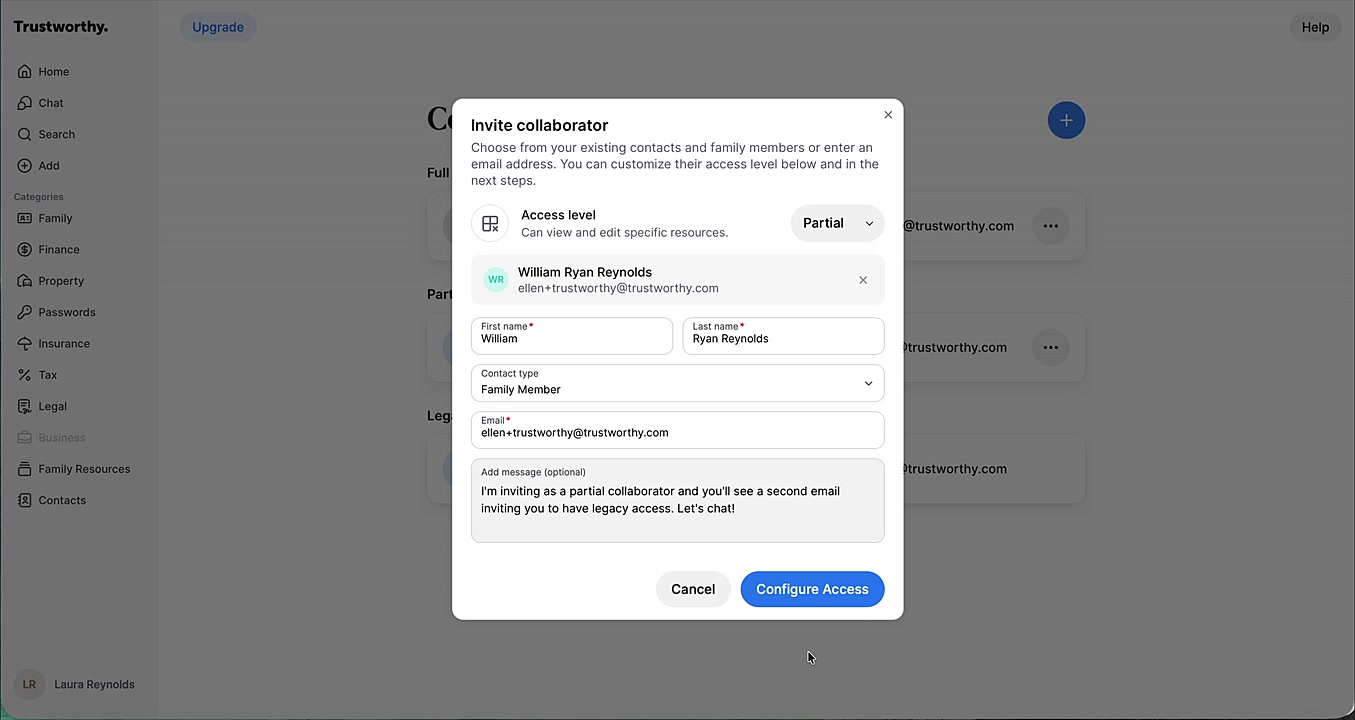
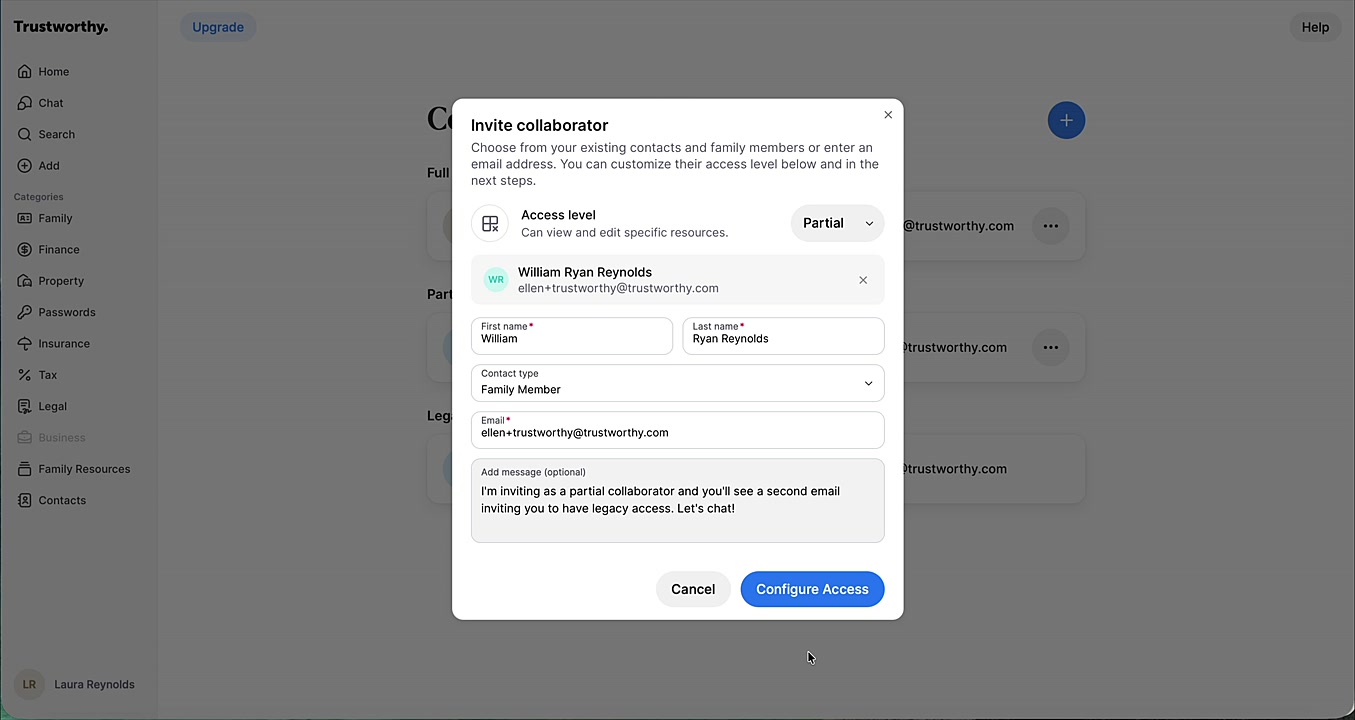
Confirm their First name and Last name are correct. You can also add an optional personal message to the invitation.
Click Configure Access.
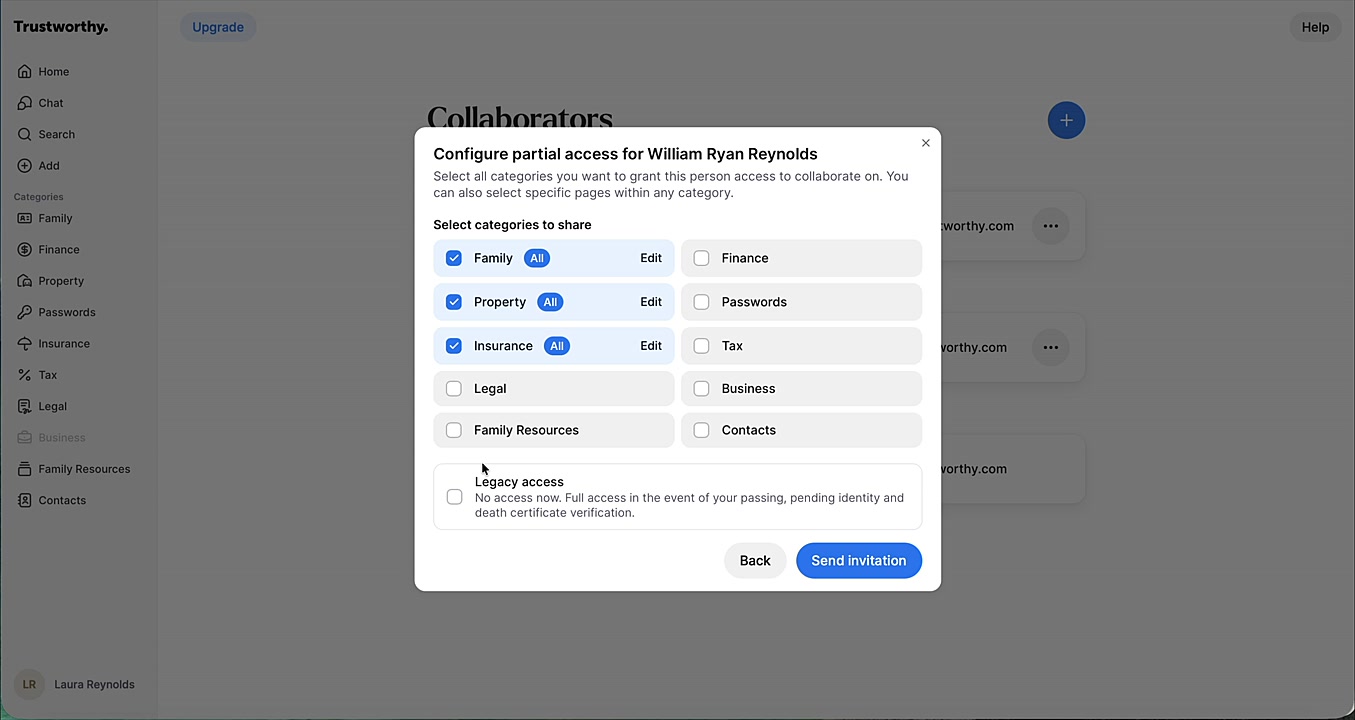
Select the checkboxes for all categories you want to grant this person partial access to immediately. You can also click the pencil icon on any category to provide access to only particular resources within that category, or to switch that category between view-only and edit access.
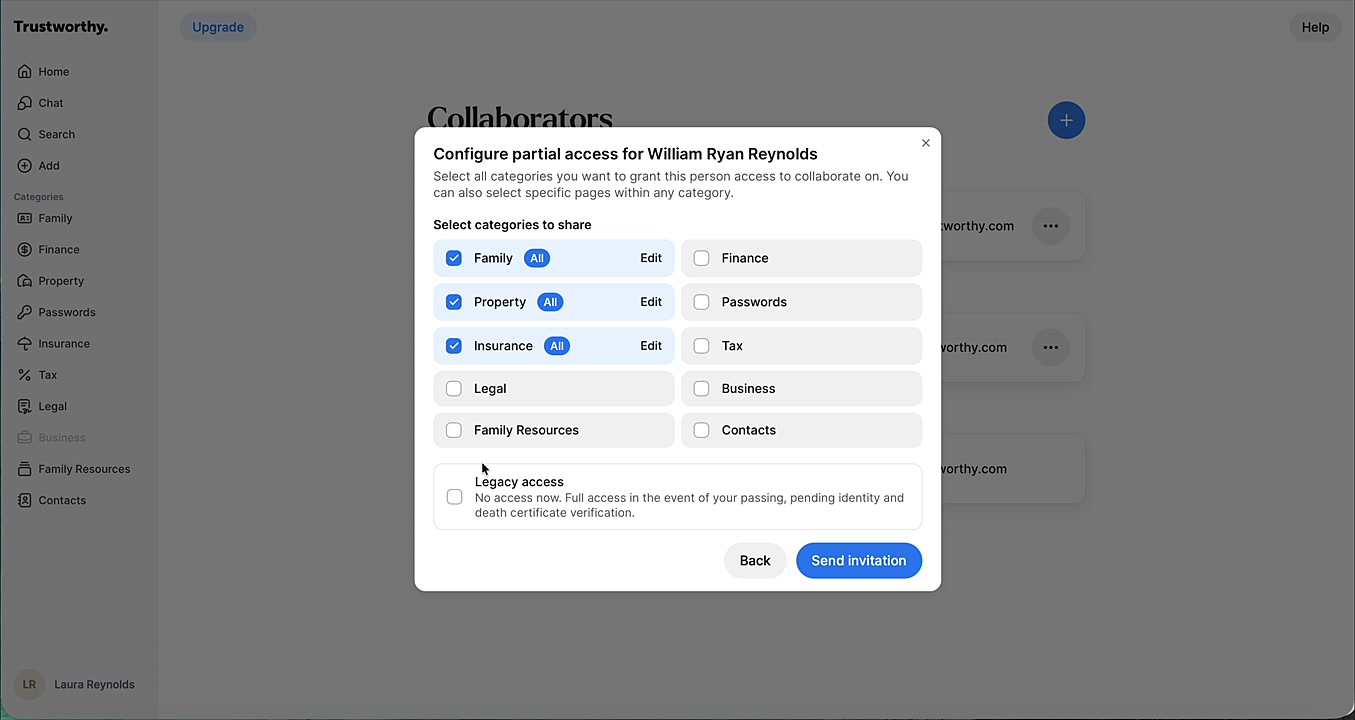
At the bottom of the window, check the box for Legacy access.
Click Send Invitation to complete the process.
What Happens Next
After you send the invitation, your collaborator will receive two separate emails.
One email will invite them to accept partial access to the categories you selected.
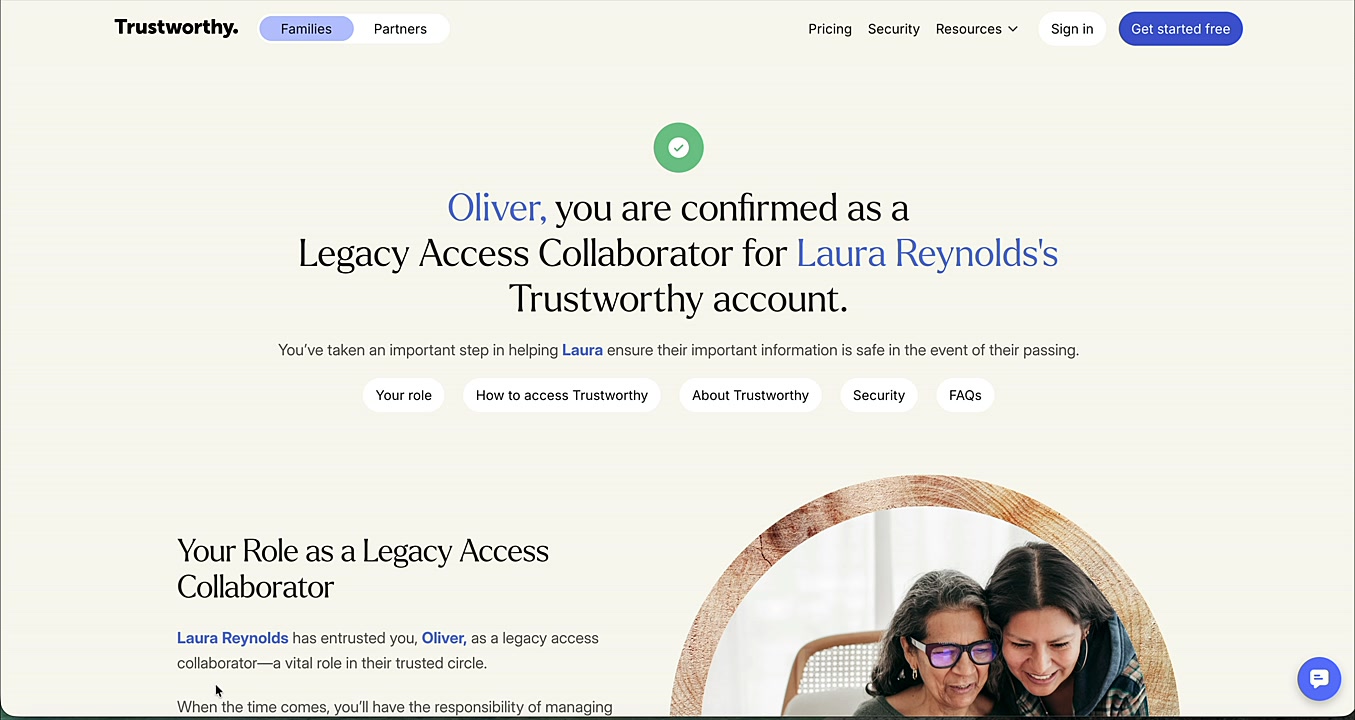
The second email will invite them to accept their role as a legacy access collaborator.
They must accept the invitations from both emails to activate both levels of access.
What About Full Access Collaborators?
Because your Full Access collaborators already have total access to your account information and settings, there is no need to also add them as a legacy access collaborator.