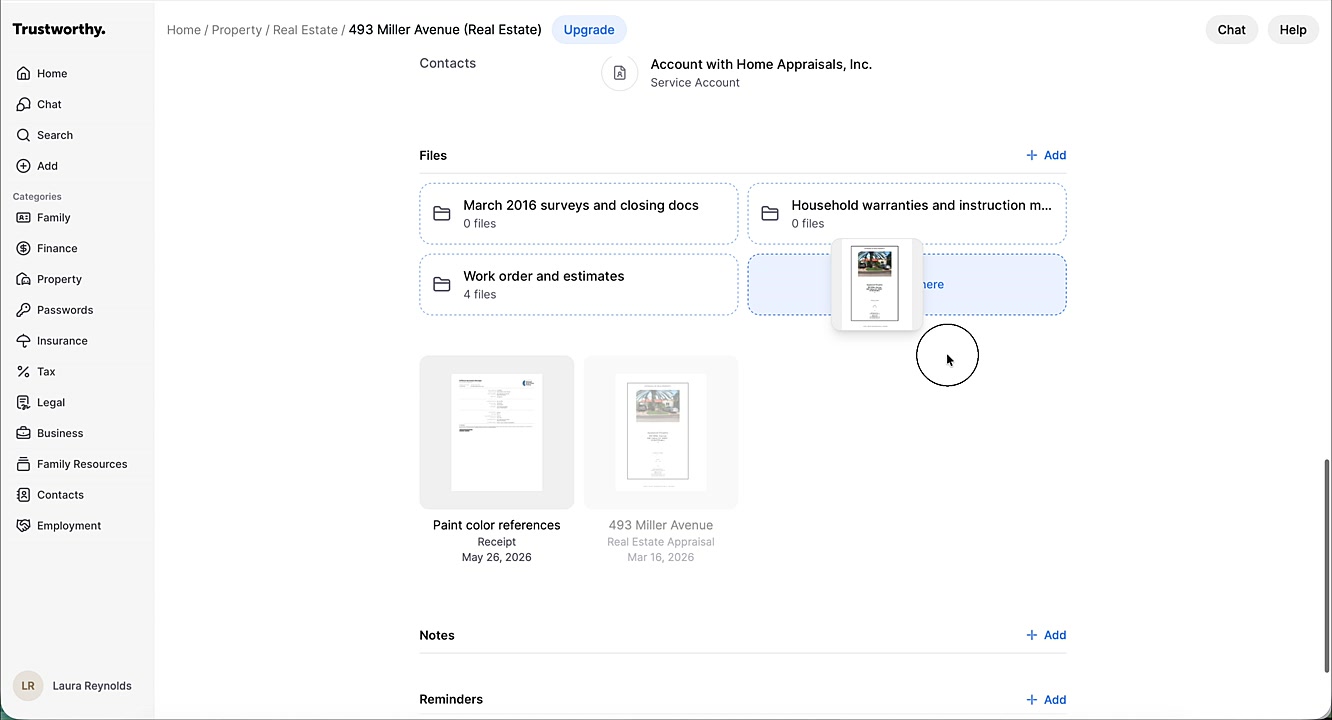
How to Reorganize Files and Folders
This guide shows you how can easily reorder files and folders or move files into existing folders to keep your vault tidy and arranged just the way you like it.
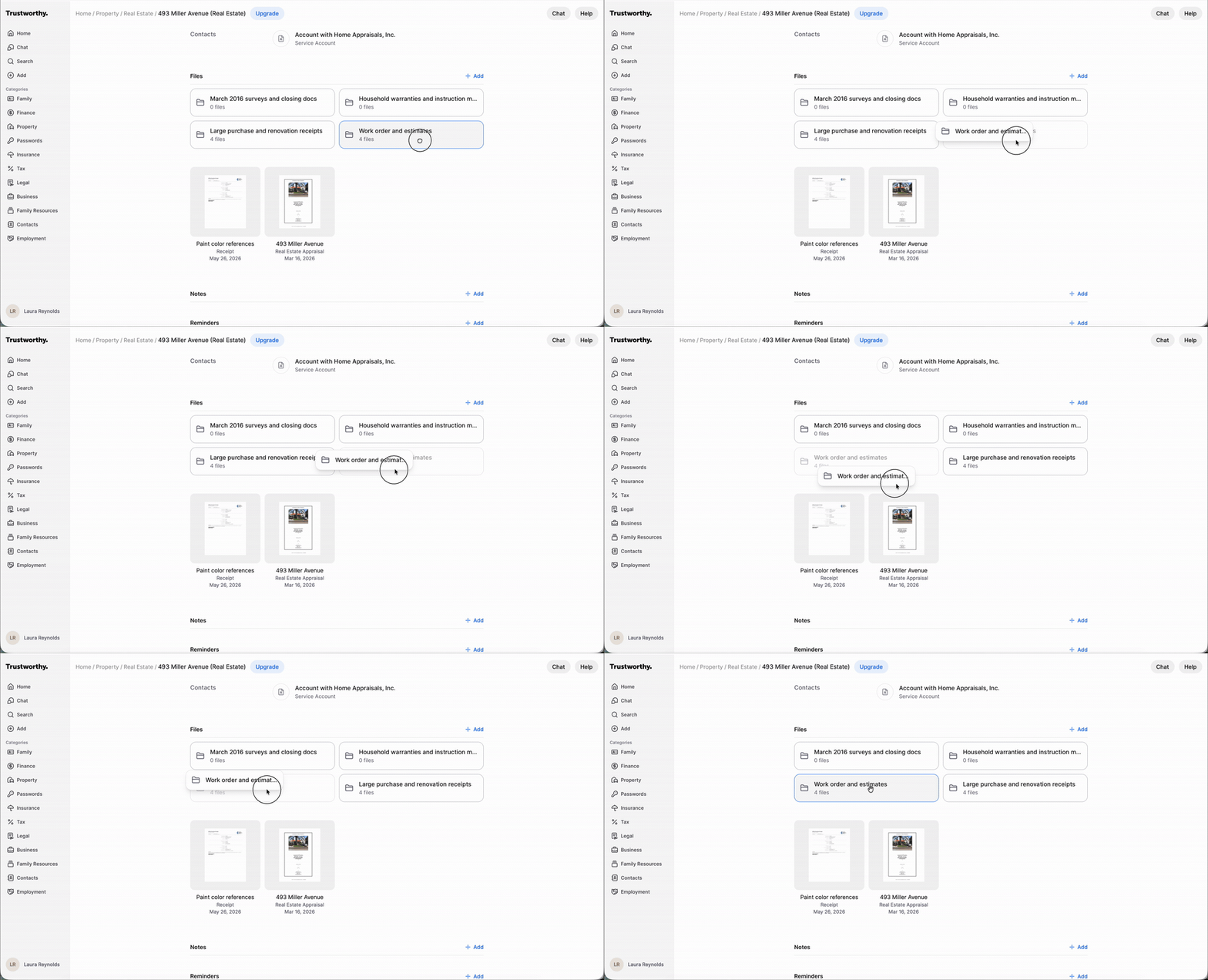
Reorder Folders
Navigate to the page containing the folders you wish to reorganize.
Click and hold the folder you want to move.
Drag the folder to the desired position and release it.
Reorder Files
In the Files section of any page, locate the files you want to reorder.
Click and hold the file you want to move.
Drag the file to its new position and release it.
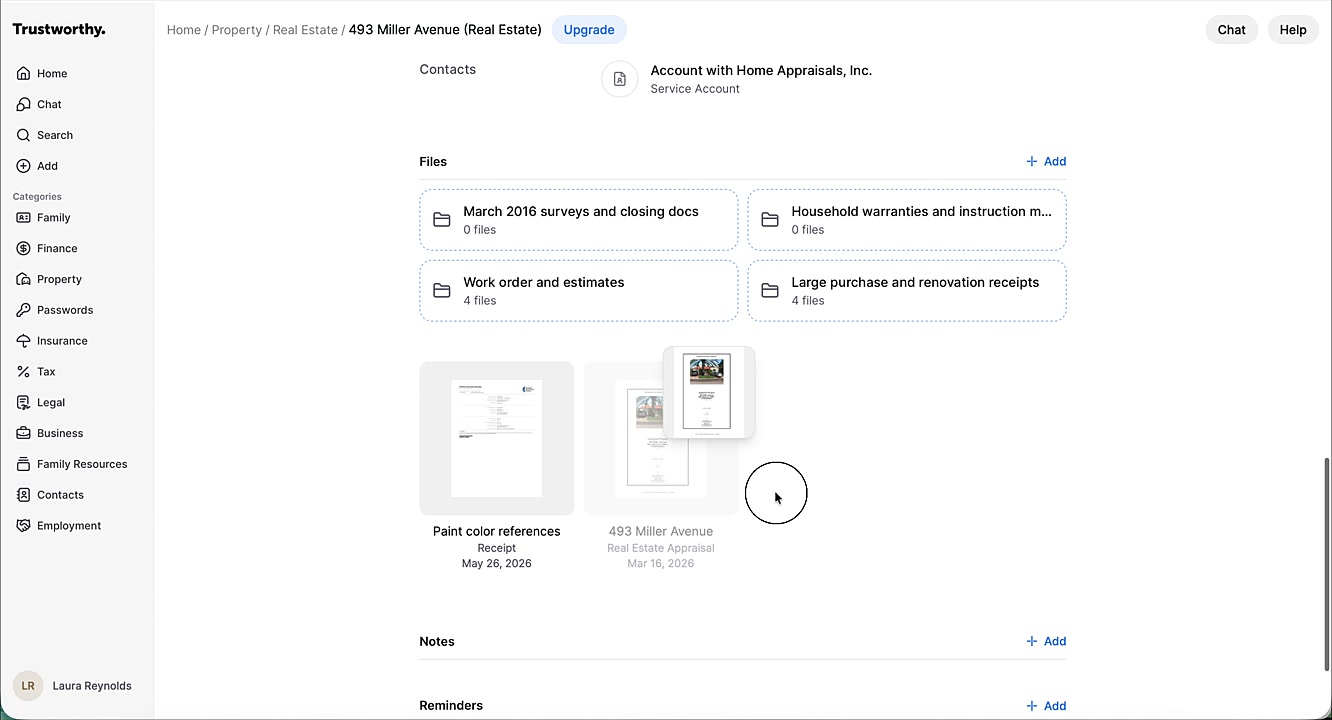
Click and Drag Works Within Files, Too
If you've already added a lot of files and simply want to reorganize them into folders, remember that click and drag works for this purpose, too.
Click and hold the file you want to place inside a folder.
Drag the file over the destination folder until the folder becomes highlighted.
Release the file to move it into the folder.