
Exporting and Printing Data
Edited
You can export all your data from Trustworthy at any time. You'll find the export option in the settings menu. On the settings menu, choose "export".
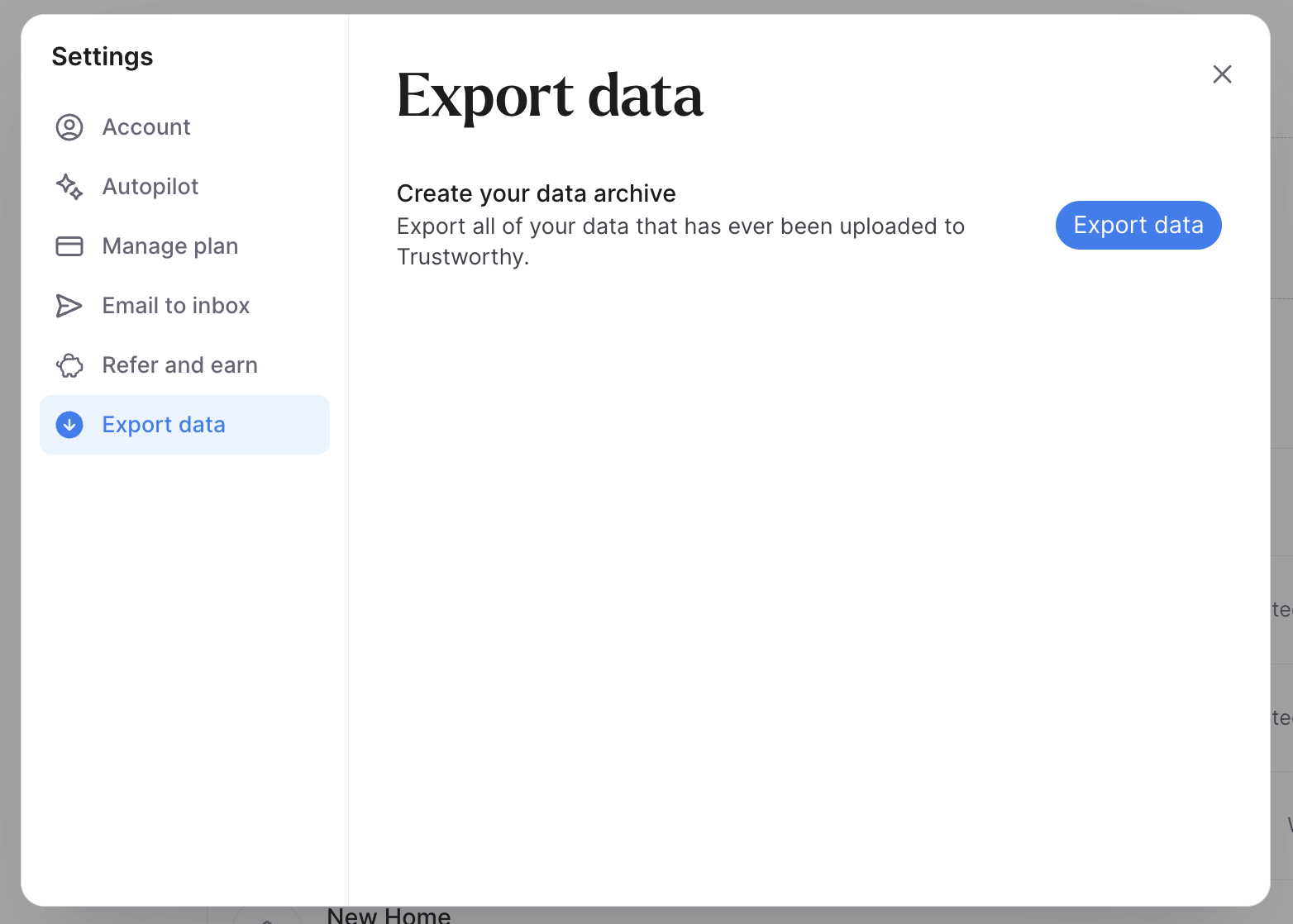
Exporting your data will download a zip file of everything in your account that you can print from your computer.
Note: Depending on the amount of data you have, the export may take a while. If you think you're encountering an error, please email support@trustworthy.com
Was this article helpful?
Sorry about that! Care to tell us more?