
Uploading Files from Your Computer
Using the simple drag-and-drop method is one of the fastest ways to add documents to your vault.
From your Trustworthy Home screen, locate the files on your computer that you want to upload.
Click and drag one or more files directly onto the main area of the Trustworthy window.
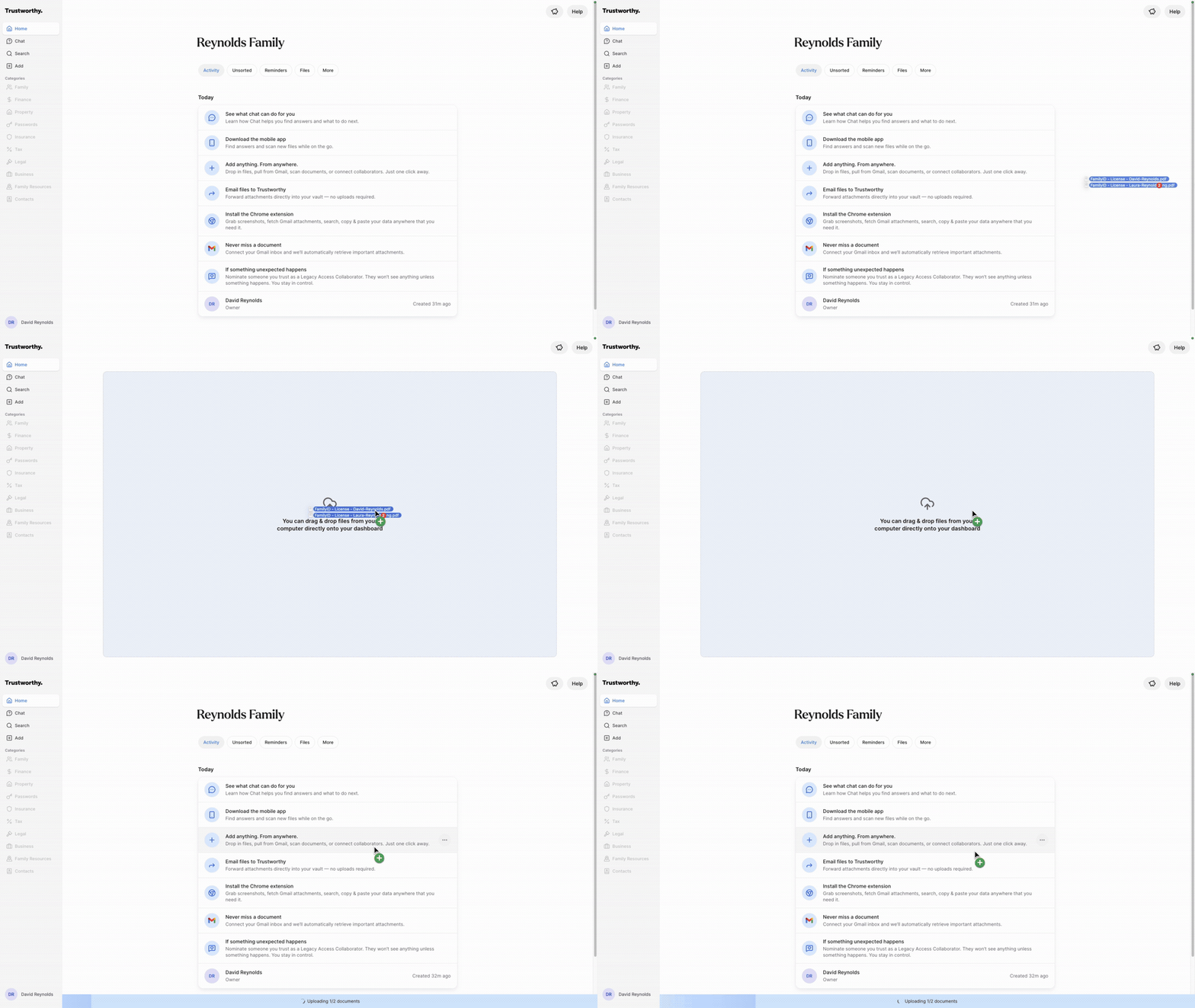
Release the mouse button to drop the files. The files will begin uploading and processing immediately.
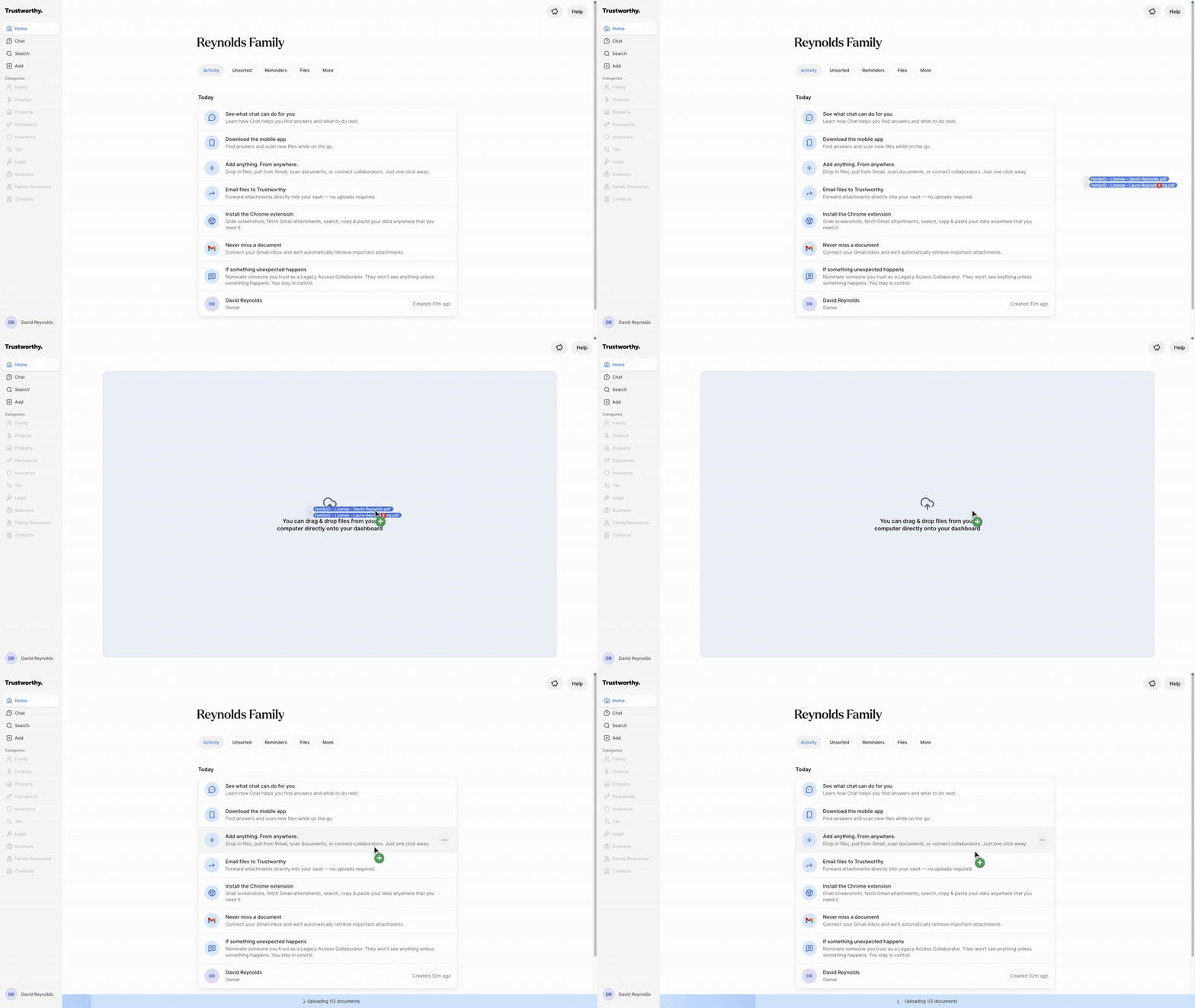
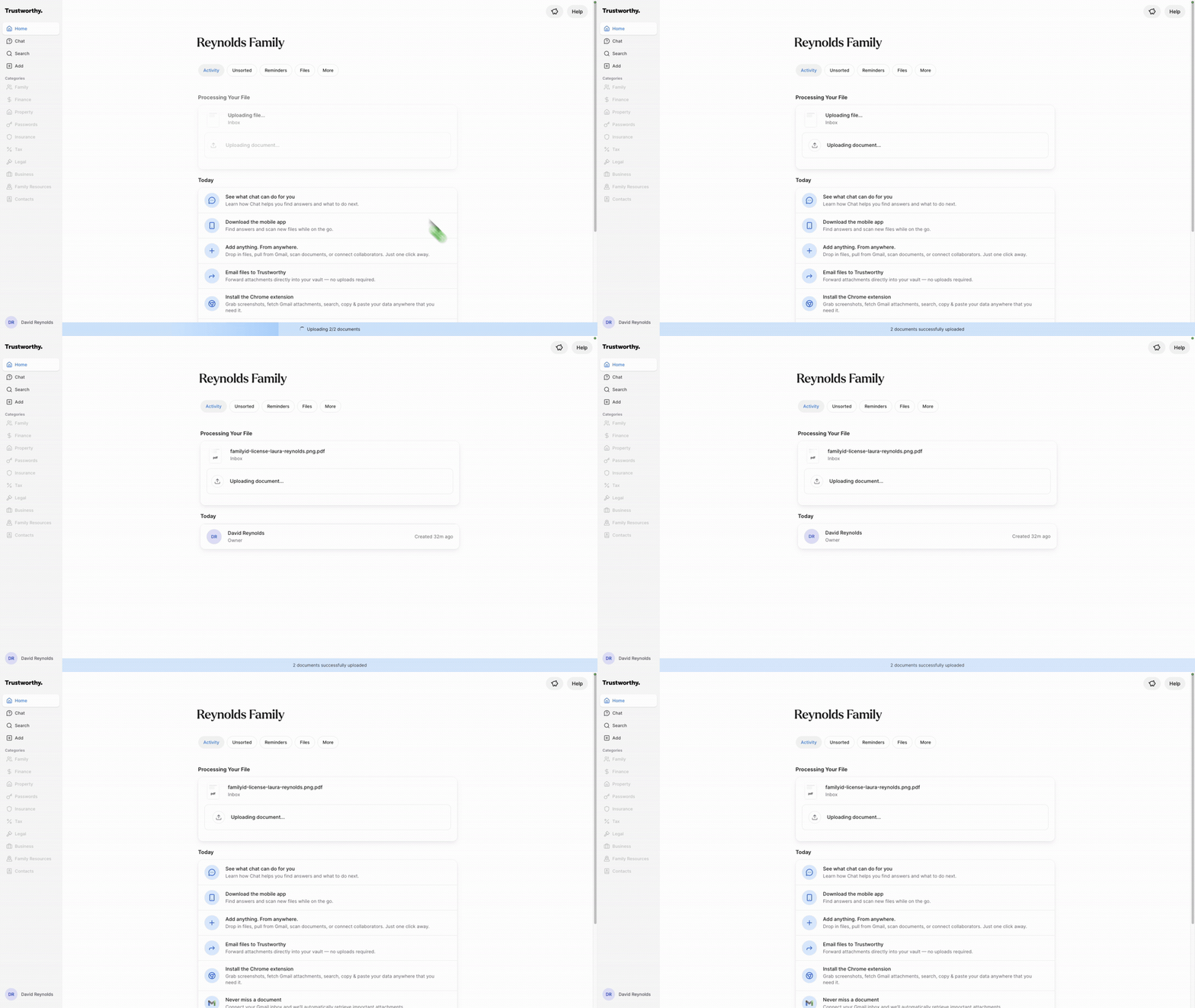
Tip: You can drag and drop an entire folder, too, not just individual files. Select a regular folder from your computer (not a .zip file) and drag it onto the Trustworthy Home screen the same way. Every file inside will be uploaded automatically, assuming they are supported file formats.
Uploading Multiple Files with + Add
If you'd rather browse for files on your computer instead of dragging and dropping them, you can use + Add in the left navigation.
Click + Add in the left navigation, then choose the option to browse your computer for files.
In the file picker, navigate to the folder containing your files.
Note that the file picker doesn't let you select a whole folder at once — you'll need to select the individual files inside it. You can do this two ways:
Select a range of files: Click the first file, hold Shift, then click the last file you want. Every file between the two will be selected.
Select specific files: Click the first file, hold Cmd (Mac) or Ctrl (Windows), then click each additional file you want. Only the files you click will be selected.
With your files selected, click Open (or Choose) to add them to Trustworthy.
Tip: If you want to upload every file in a folder, dragging and dropping the whole folder onto the Home screen (see above) is faster than selecting files one by one.
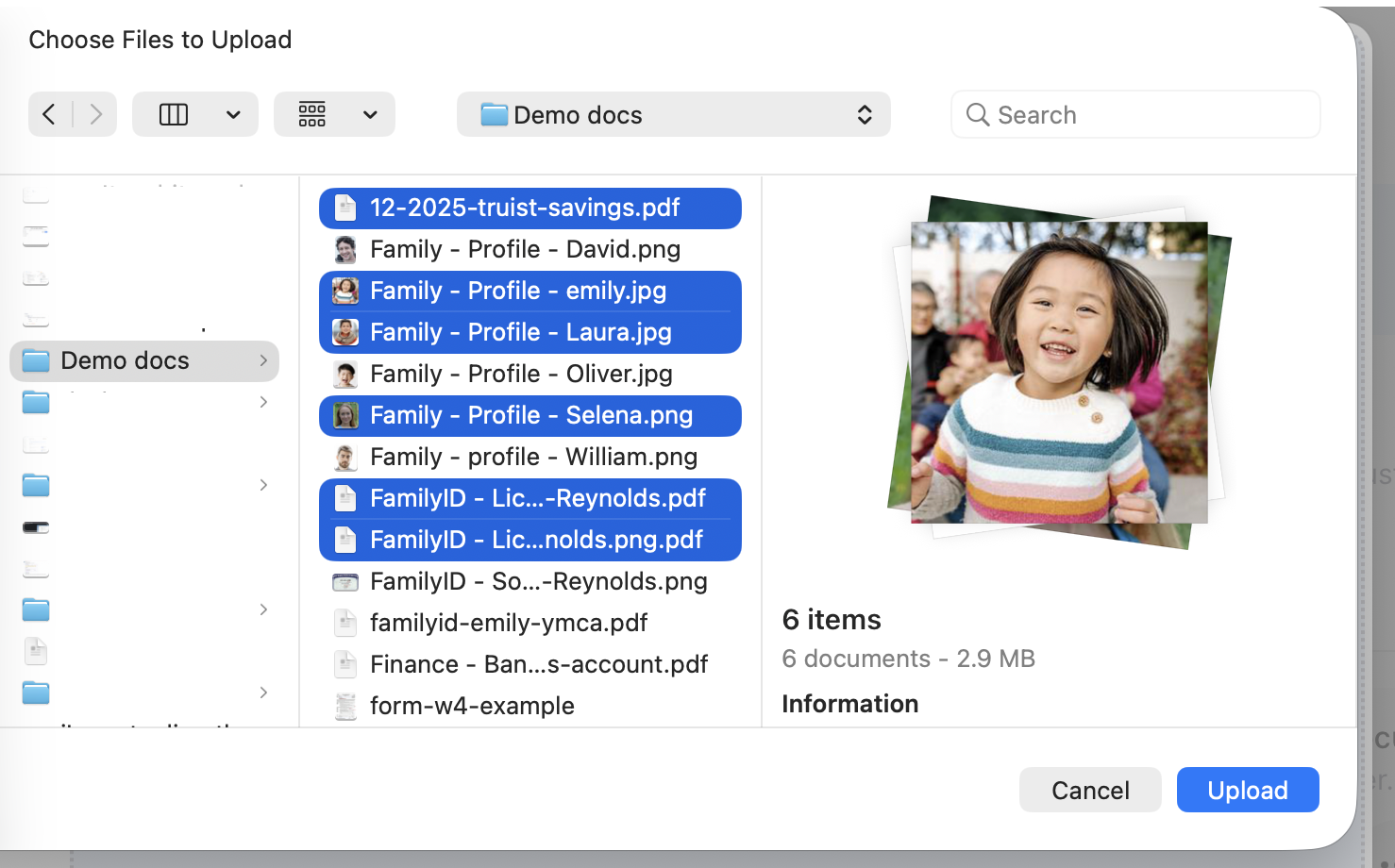
This image illustrates selecting only specific files within a folder, as described in point 3 above.