
How Do I Change the Email Address On My Account?
If you sign in to Trustworthy using an email address and password, you can update your account email address at any time.
To make this change, sign in to your Trustworthy account on desktop.
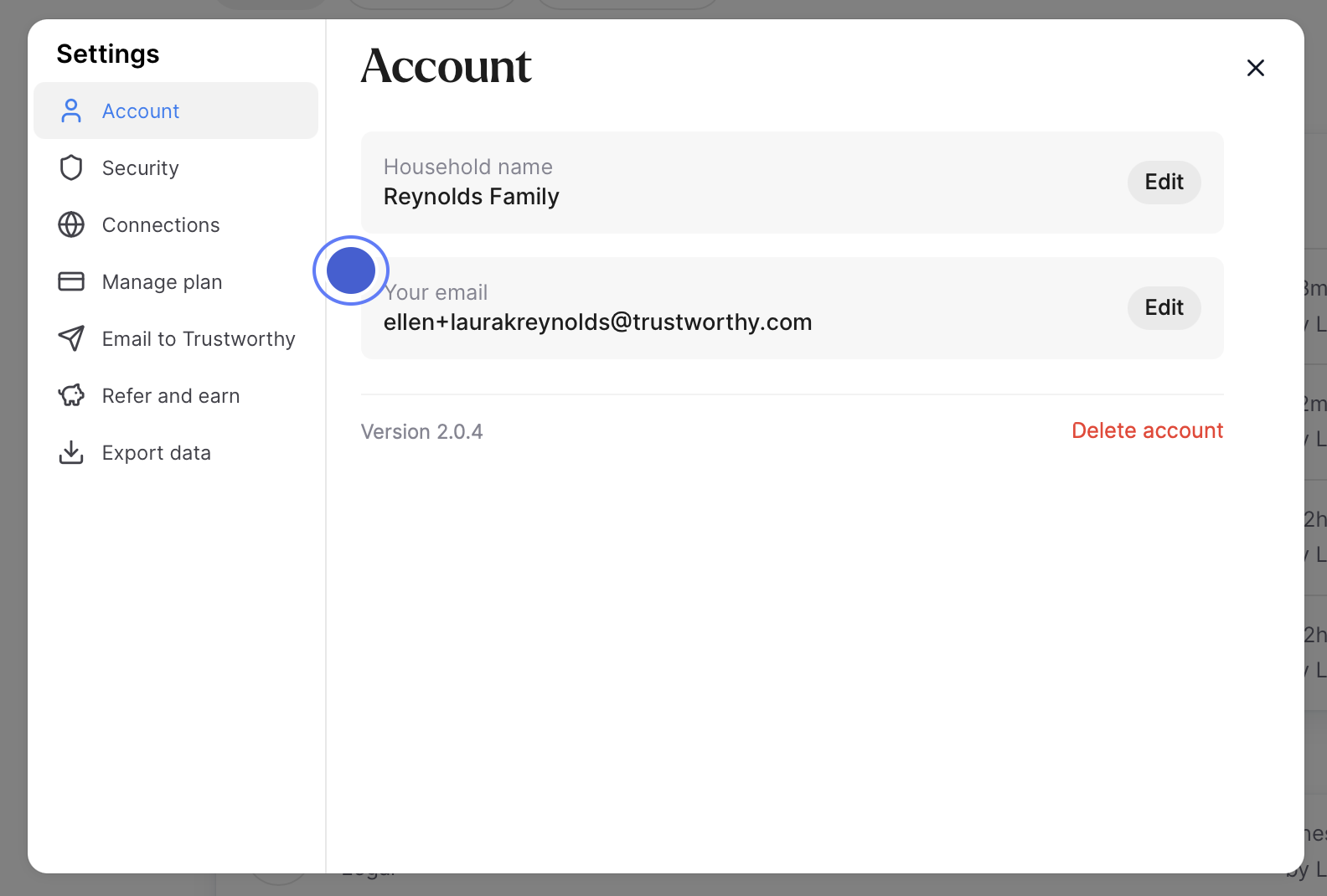
Once signed in, click your profile in the bottom-left corner of the screen and select Settings.
Under your account email address, click Edit.
For security purposes, you’ll be guided through a verification process using the multi-factor authentication method associated with your account.
Once verified, you can enter your new email address.
The next time you sign in, be sure to use your updated email address.
Do you sign in with Google or Apple?
If you use Sign in with Google or Apple, your email address is managed through those providers and must be updated directly through your Google or Apple account.
If you would like to stop using Google or Apple sign-in and instead use an email address and password to access your Trustworthy account, please contact us for assistance.