
Using the Trustworthy Browser Extension
The Trustworthy Chrome Browser Extension is a powerful tool that makes it fast and easy to capture important documents and data and secure them in Trustworthy. If you haven't installed it yet, you can add it to Chrome from the Chrome Web Store here.
The Trustworthy Browser Extension can simplify getting files into Trustworthy by allowing you to:
Bulk upload files from your computer
Retrieve Gmail attachments from emails
Grab screenshots
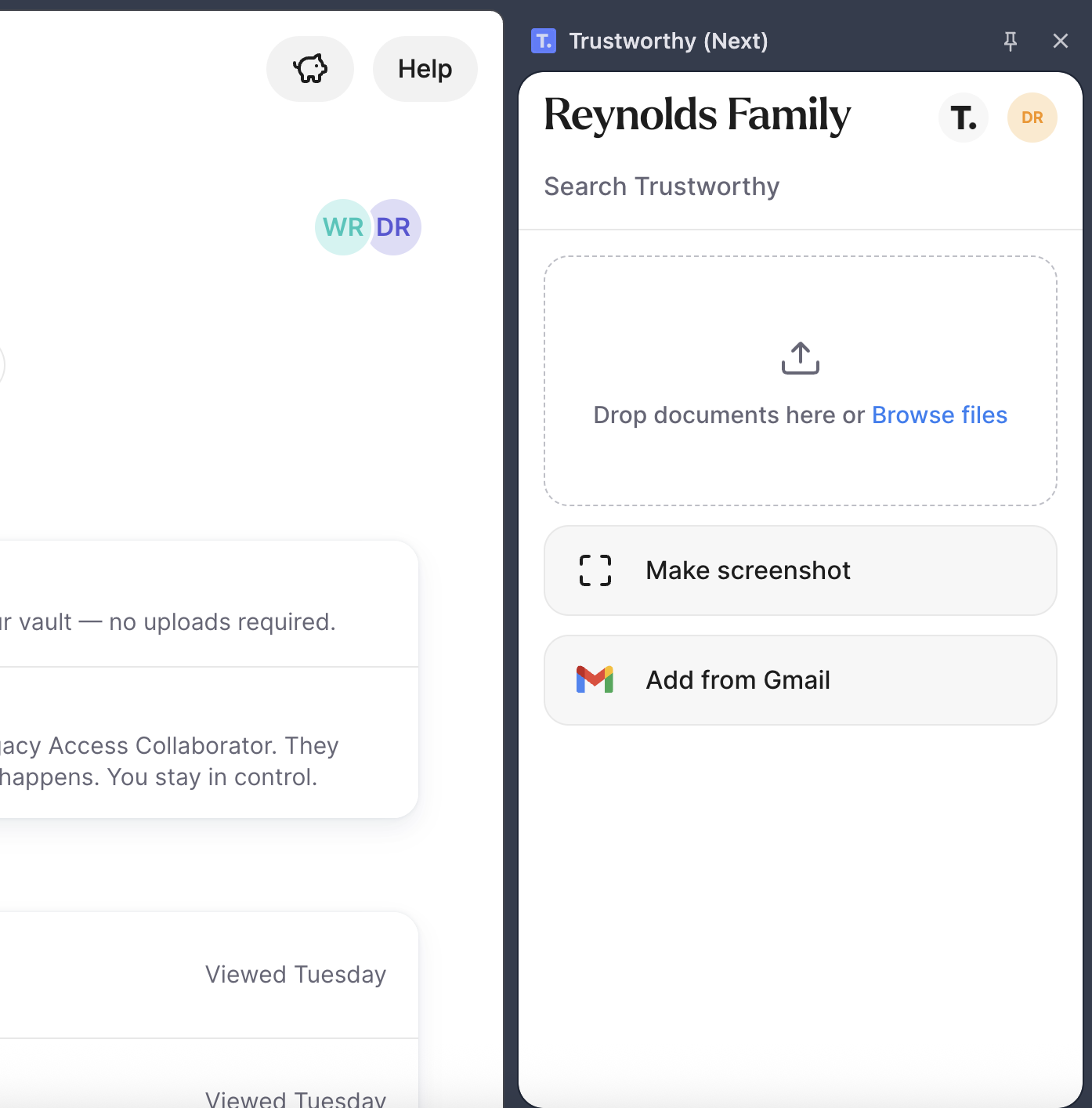
Use the Browser Extension to Upload Files from your Computer
If you have files on your computer, the Trustworthy Browser Extension can be a convenient way to upload those files to Trustworthy.
Use the Browser Extension to Grab Gmail Attachments
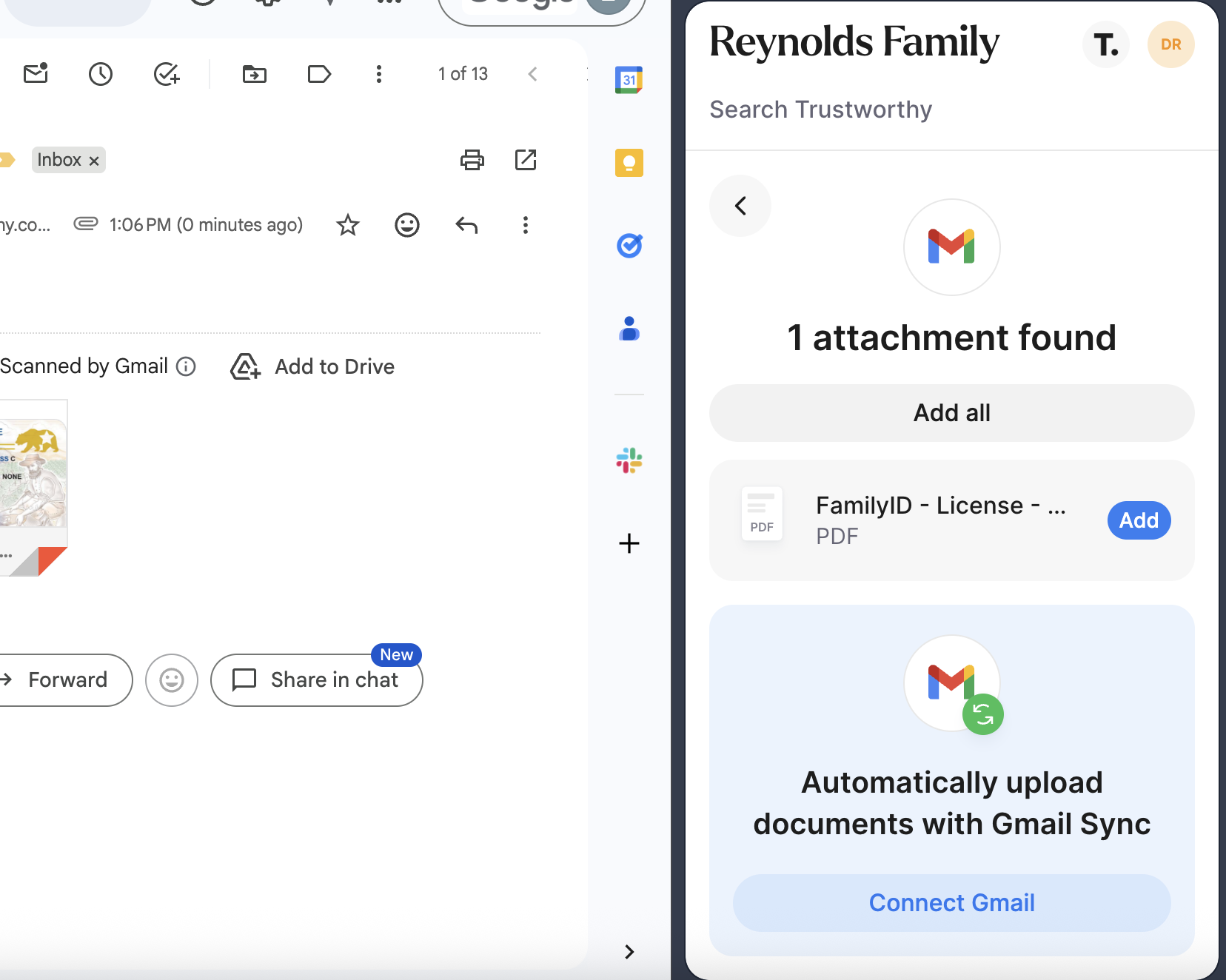
Many people rely on Gmail each day to manage their communications, and along with this comes many important files attached to emails. The Trustworthy Browser Extension can detect files when you're viewing an email and easily allow you to upload them to Trustworthy.
Use the Browser Extension to Save Screenshots
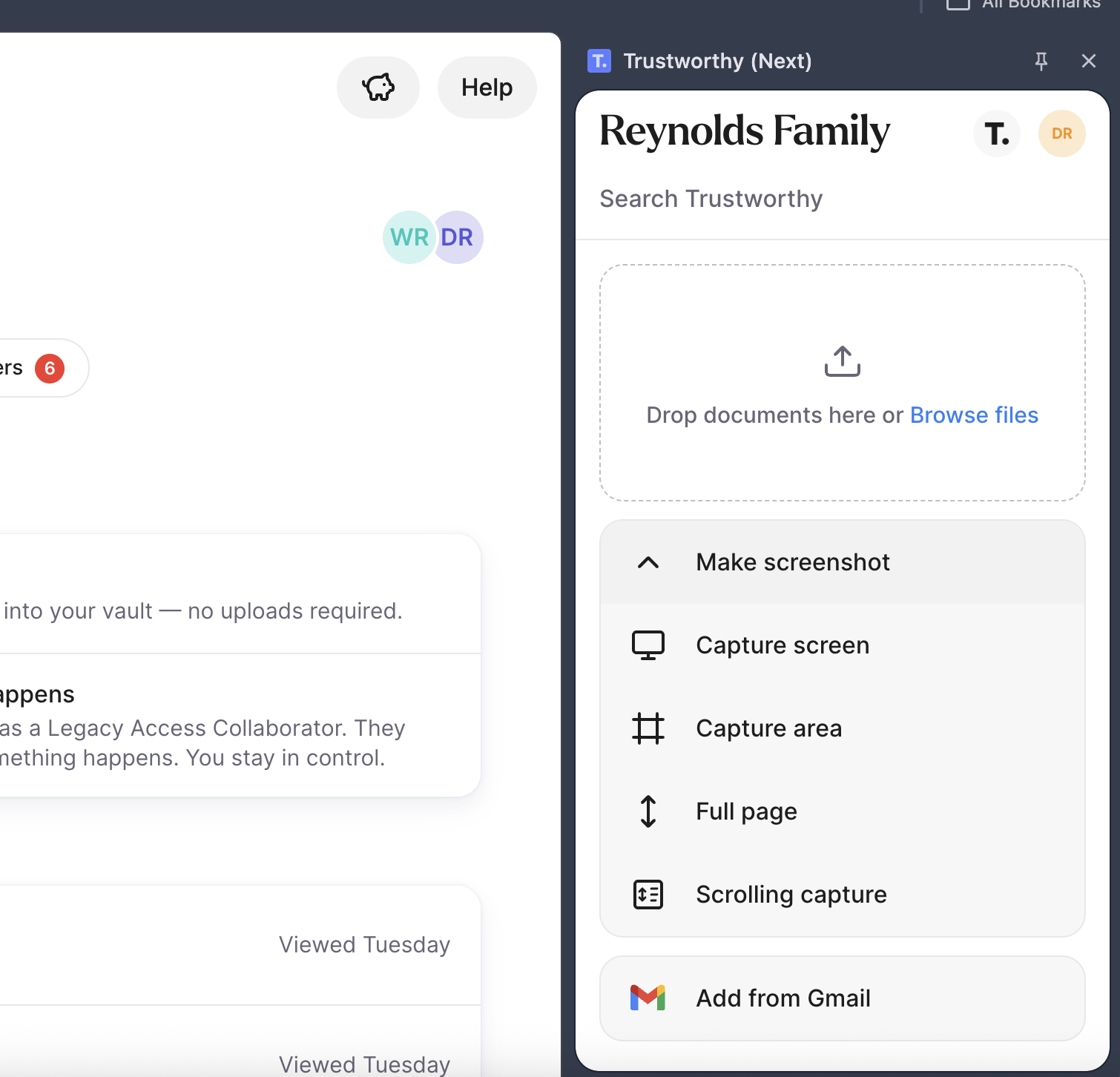
Sometimes you encounter information on a web page that you want to file in Trustworthy. This could be online form submission confirmations, online procedures, or even photos. The Trustworthy Browser Extension can capture whatever you're currently viewing in your browser and send it directly to Trustworthy.
Can I Use the Browser Extension on my iPad or iPhone?
The Trustworthy Browser Extension works on desktop computers only — Mac, Windows, and Linux. It is not available on iPad or iPhone. Apple does not allow browser extensions to run in Chrome, Safari, or any other browser on those devices, so this is not specific to Trustworthy.
You can still get files into Trustworthy from an iPad or iPhone in three ways:
Use the Trustworthy app. When you're viewing a document in your browser, Mail, or your Files app, tap the Share icon, scroll sideways through the list of apps (or tap More to see them all), and choose Trustworthy. The file goes straight into your Trustworthy Inbox. You can also use the app to take photos of paper documents and add them directly. See iOS and Android Apps.
Email files to your account. Every Trustworthy account has its own private email address you can forward PDF attachments to. Go to Settings → Email to Trustworthy, or tap Add and choose Direct email. This works with PDF attachments only. See Forwarding PDFs to a Trustworthy Account with Email-to-Trustworthy.
Upload through your browser. Sign in to your Trustworthy account in your preferred web browser on your iPad or iPhone and upload files directly.
A final note about the Trustworthy Browser Extension
The Trustworthy Browser Extension works best in the native Chrome browser. If you have trouble with the extension in Arc or Edge, please switch to Chrome and use it there.