
How to Delete Files
This guide explains how to delete files from your Trustworthy account. Following these steps will allow you to permanently remove items you no longer need, helping to keep your information organized. You can delete files from the document preview and from within a specific item's detail page.
Deleting a File From the Document Preview
Navigate to your Home page and locate the file you wish to delete from the Activity Feed. Or, find the same file on any page.
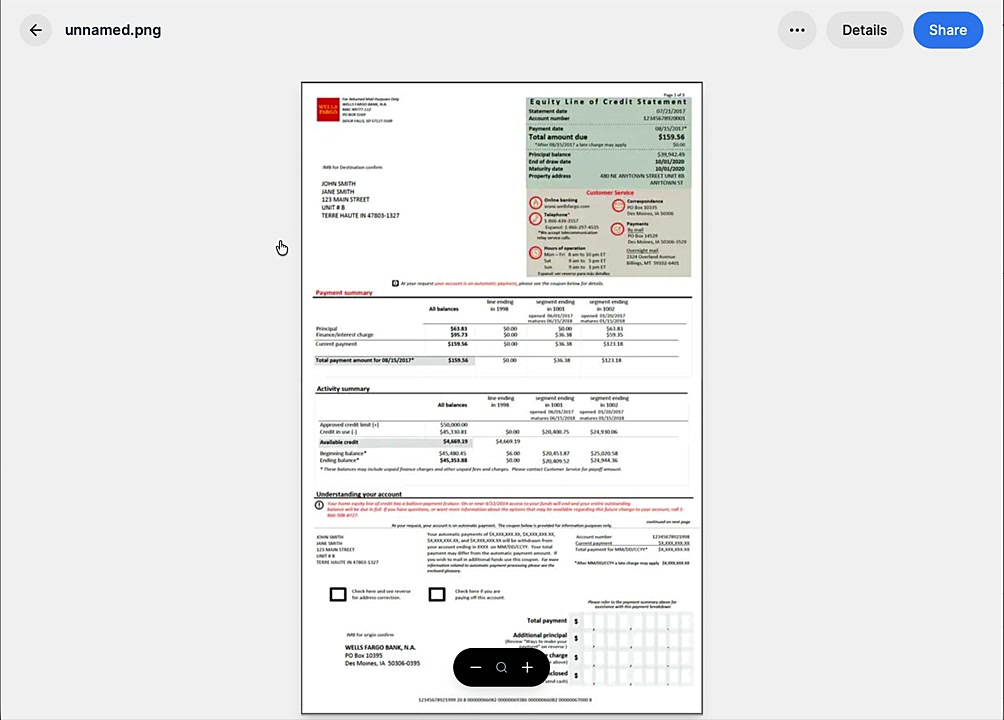
Click the file to open it in preview mode.
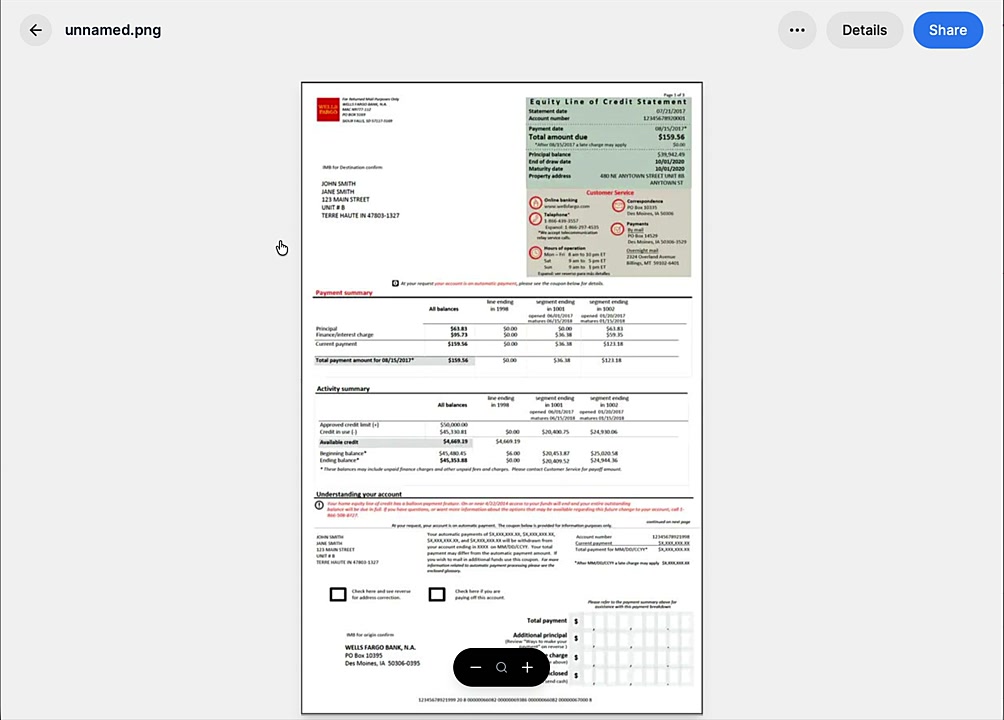
Click the three-dot menu in the top-right corner of the preview window.
Select Delete from the dropdown menu.
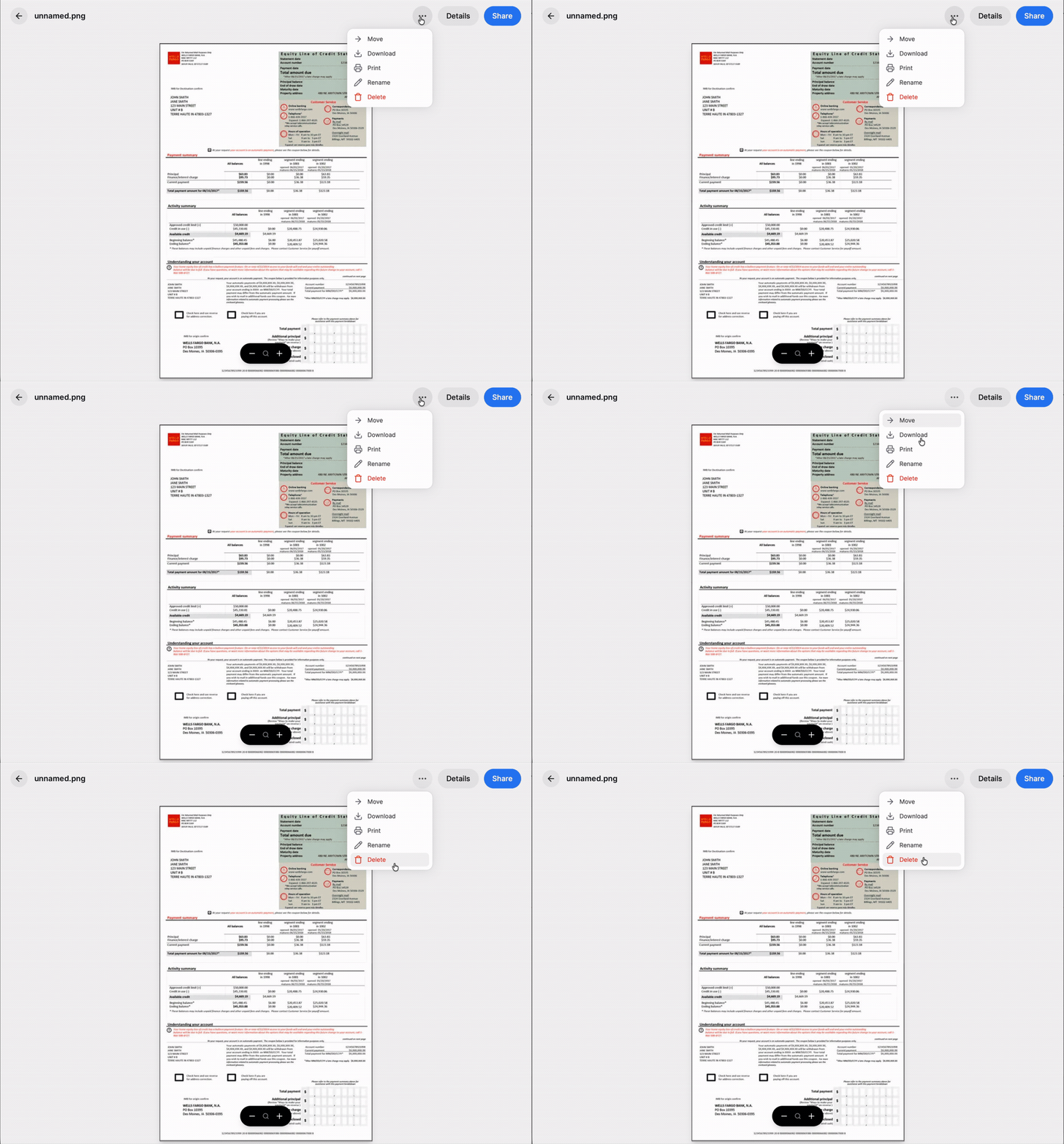
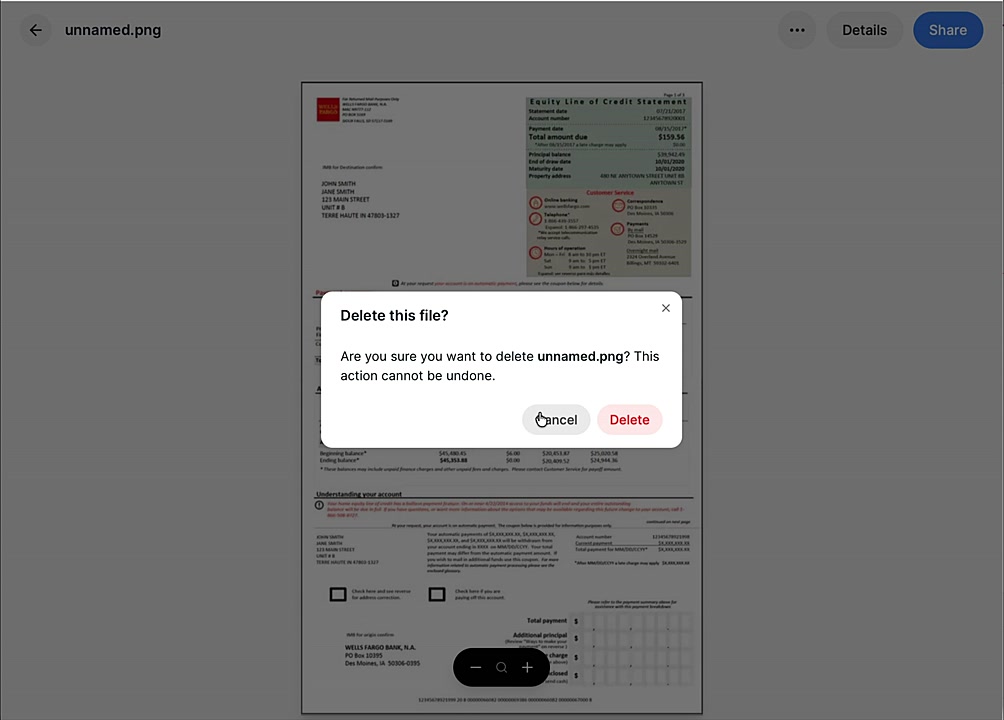
A confirmation pop-up will appear. Click Delete to permanently remove the file.
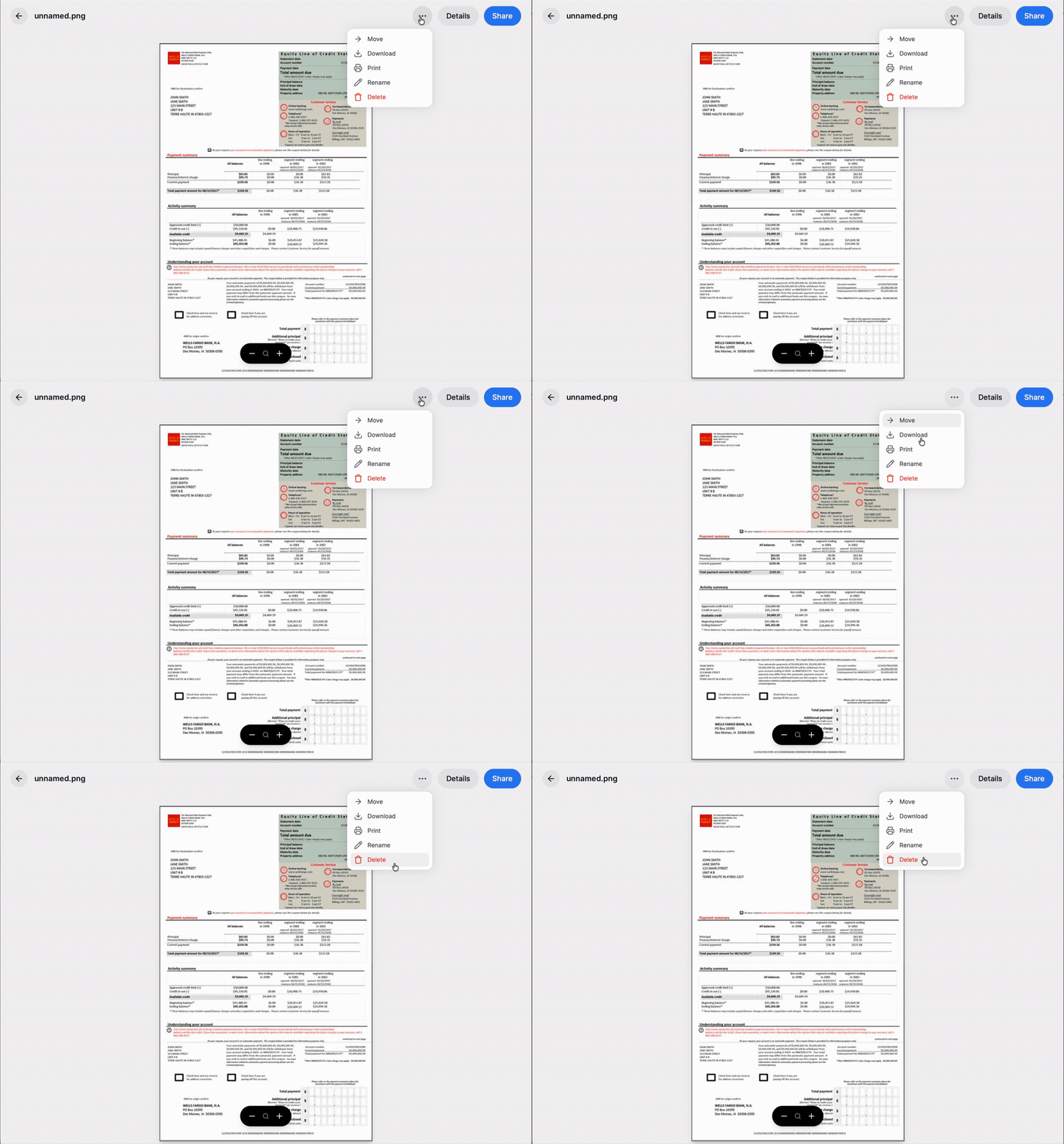
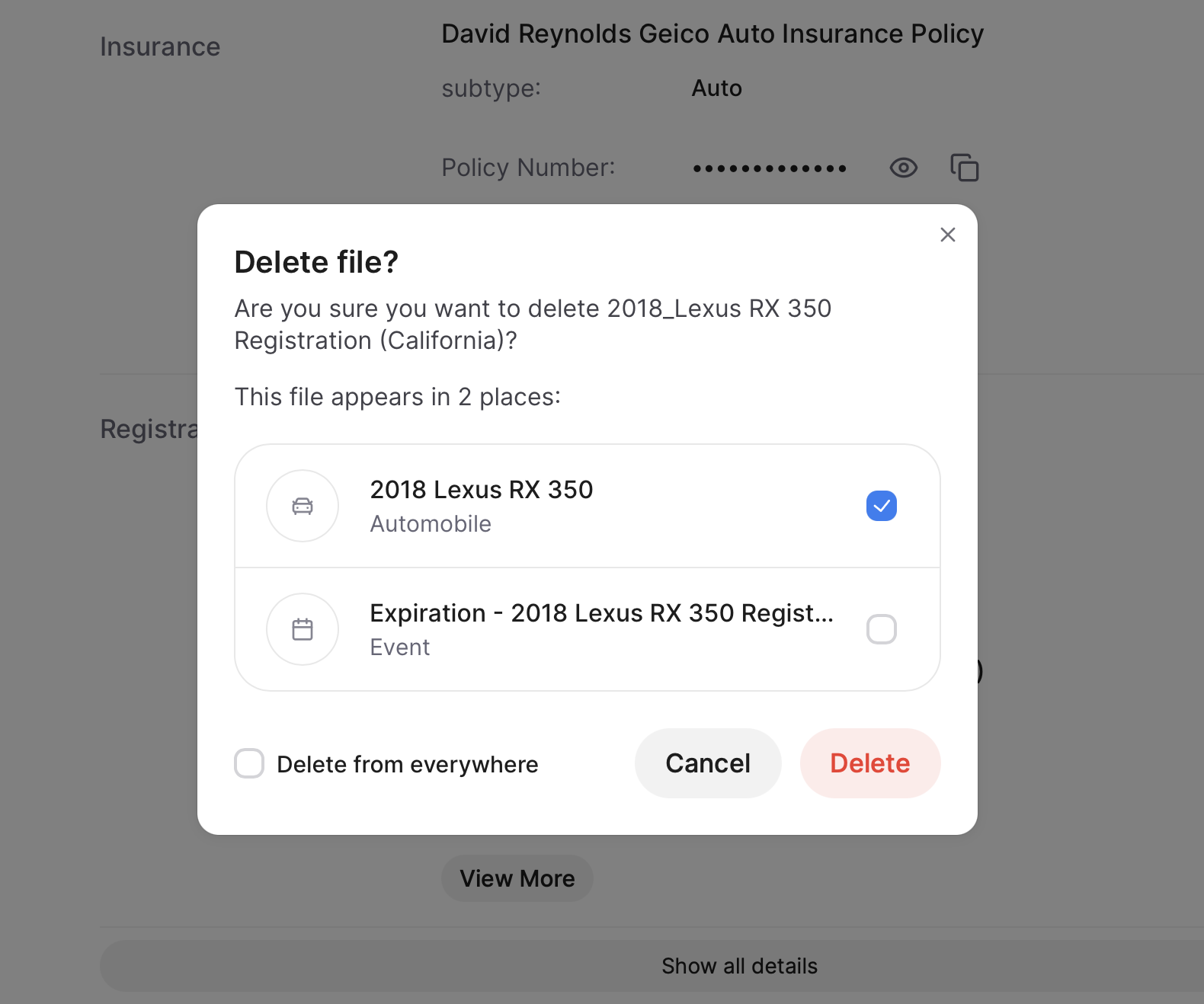
If your file exists in more than one location within your account, the pop up will give you the option to delete only from the current location or from any/all other locations, too.
Deleting a File From an Item's Detail Page
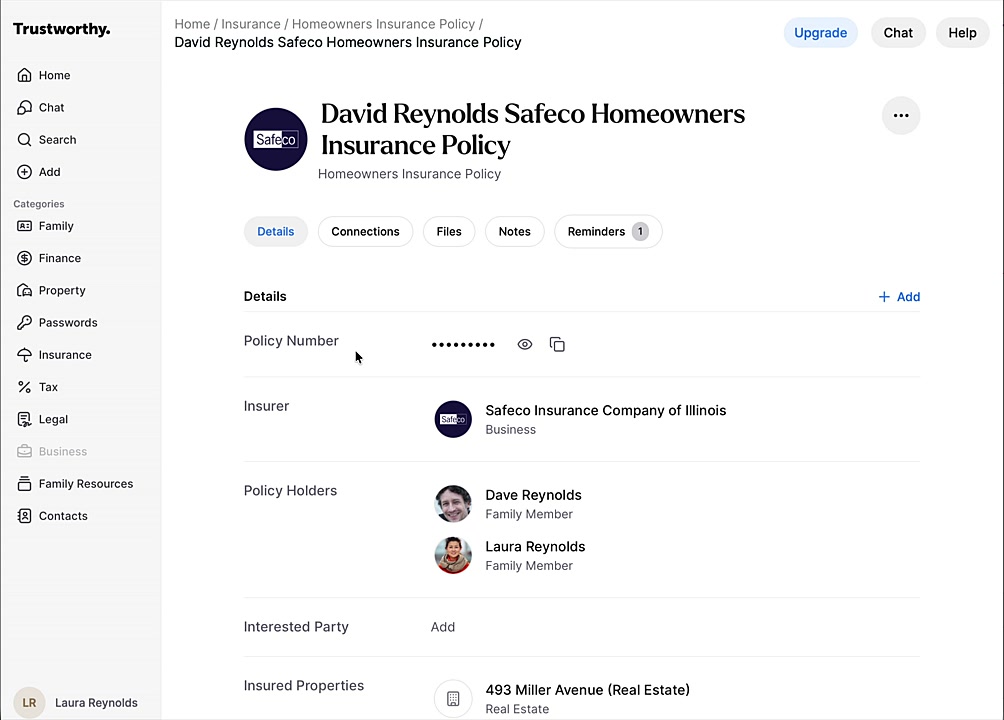
Go to the appropriate category (e.g., Insurance) and click on the item that contains the file you want to remove.
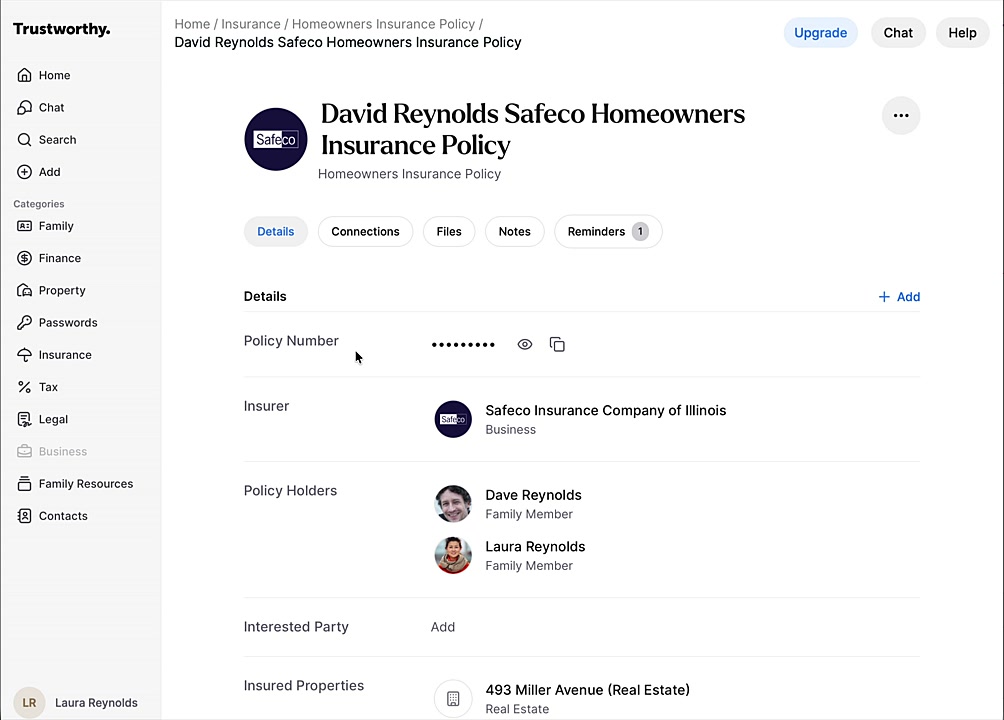
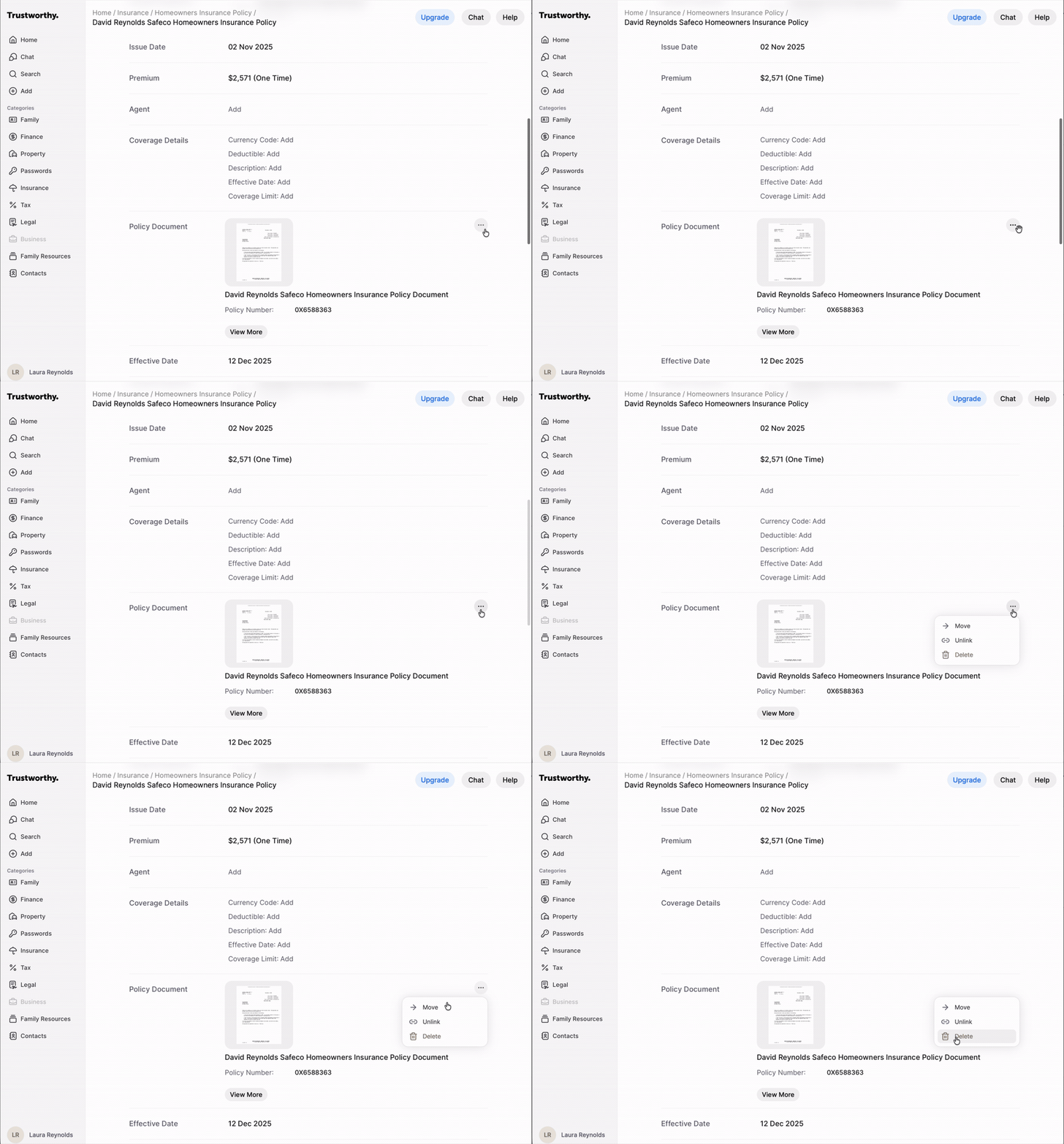
On the item's detail page, scroll to find the attached file (e.g., under Policy Document).
Click the three-dot menu located next to the file.
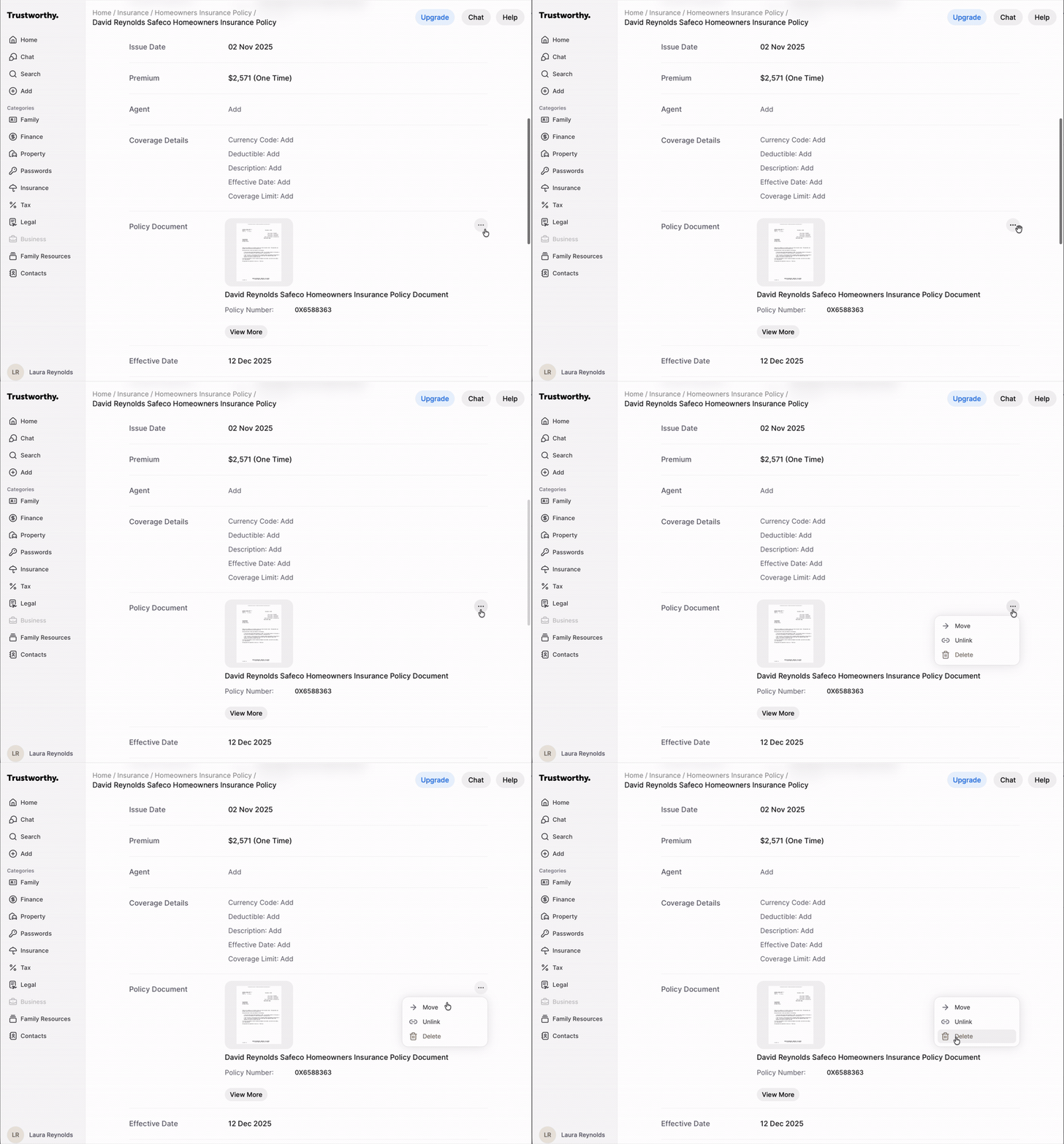
Select Delete from the menu.
In the confirmation window, click Delete to finalize the action.
Can a Deleted File Be Restored?
No. Deleting a file removes it permanently — it can't be undone, restored, or recovered, and support can't retrieve it for you. Trustworthy has no trash, recycle bin, or recently-deleted folder, so please be certain before you confirm a deletion.
If you might want something later but don't need to see it day to day, archive it instead. Archiving hides an item from your main view and keeps it available — see Archiving vs Deleting.
Important Notes
If the file arrived from a connected Gmail account, deleting it here does not delete anything in Gmail. The original email and its attachment remain in the Gmail account, and the file will not be imported again.
If you may someday need the file again, consider creating a folder within a page's "Files" section and archive the file there. You can choose Move from the file's three dot menu and select an existing folder or create a new folder for this purpose.
Summary
This article provides a comprehensive guide on how to delete files and documents within the Trustworthy platform. By following the outlined procedures, you can easily remove outdated or unnecessary items from either the Home activity feed or directly from an item's detail page. This functionality helps you maintain an organized and current digital archive.